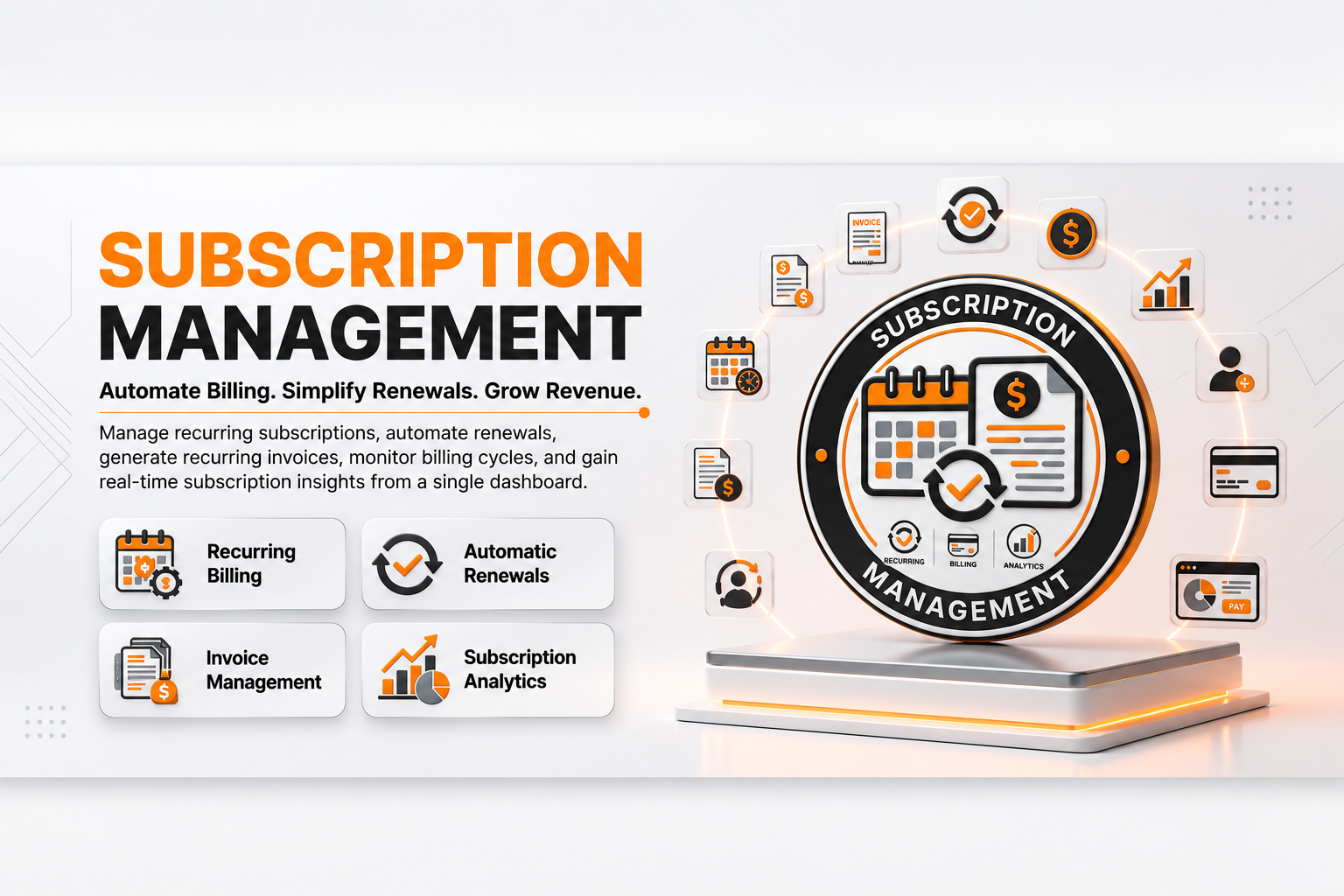
🔄 Subscription Management
| Author | ERP Addons |
| Website | https://www.erp-addons.com |
| Version | 19.0.1.0.0 |
| License | OPL-1 |
| Odoo | 19.0 |
📖 Overview
Subscription Management helps businesses manage recurring customer
subscriptions in Odoo.
You can create subscription templates, assign products and prices, track
subscription stages, automatically generate recurring invoices, and manage
the complete subscription lifecycle.
🚀 Key Features
🔄 Manage Customer Subscriptions
Create and manage subscriptions for customers.
A subscription can contain:
- Customer.
- Subscription template.
- Products.
- Quantity.
- Price.
- Taxes.
- Pricelist.
- Start date.
- Next invoice date.
- Salesperson.
- Sales team.
- Subscription stage.
- Tags.
📋 Subscription Templates
Create reusable templates for different subscription plans.
Templates can define:
- Recurring period.
- Recurring duration.
- Products.
- Pricing.
- Terms and conditions.
- Subscription duration.
This makes it easier to create subscriptions using predefined settings.
💰 Recurring Invoicing
The module can automatically create invoices for active subscriptions when
the next invoice date is reached.
For example:
Monthly Subscription
       ↓
Next Invoice Date
       ↓
Invoice Generated
       ↓
Next Invoice Date Updated
A scheduled action runs every 24 hours to process subscriptions and generate
recurring invoices when required.
📅 Subscription Duration
Subscriptions can have a defined duration or can continue without a fixed
end date.
The system calculates the subscription finish date based on the selected
template and start date.
📊 Subscription Stages
Subscriptions can be organized using configurable stages.
The module includes stages such as:
Draft
  ↓
Ready to Start
  ↓
In Progress
  ↓
Closed
Stages can be customized according to business requirements.
🏷️ Subscription Tags
Add tags to subscriptions to make them easier to identify, search, and
organize.
Examples:
- Premium.
- Annual.
- Support.
- Maintenance.
🛒 Sales Order Integration
Subscriptions can be linked with sales orders.
Subscription information can be created from a sales order and related sales
orders can be viewed from the subscription.
This helps connect the sales process with recurring services.
🧾 Invoice Integration
Each subscription can keep track of its related customer invoices.
Users can view the invoices generated for a subscription and monitor recurring
billing activity.
👥 Customer Management
Subscriptions are linked to Odoo customers.
The customer information can be used for:
- Billing.
- Pricelist selection.
- Taxes.
- Subscription communication.
- Invoice generation.
💵 Pricing and Taxes
Subscription lines support:
- Product.
- Quantity.
- Unit price.
- Discount.
- Taxes.
- Subtotal.
- Total amount.
The subscription calculates recurring amounts and taxes based on the configured
products and customer information.
❌ Close Subscription
A subscription can be closed when the service is no longer required.
Users can select a reason for closing the subscription.
Example reasons include:
- Subscription is too expensive.
- Requirements are not met.
- Subscription ended.
- Product or service is no longer used.
- Other.
🔁 Automatic Subscription Processing
The scheduled subscription process can:
- Start subscriptions when their start date is reached.
- Generate recurring invoices.
- Close subscriptions when their configured end date is reached.
This reduces the need for manual subscription processing.
⚙️ Installation
- Copy the subscription_oca module into your Odoo addons directory.
- Restart the Odoo server.
- Update the Apps List.
📍 Menu Navigation
Apps → Update Apps List
- Search for Subscription Management.
- Click Install.
The module depends on:
sale_management
account
📖 Usage
📋 Create a Subscription Template
- Open the subscription configuration.
- Create a new subscription template.
- Enter the template name.
- Configure the recurring period.
- Set the subscription duration if required.
- Add the products and prices.
- Add terms and conditions.
- Save the template.
🔄 Create a Subscription
- Open Subscriptions.
- Click New.
- Select the customer.
- Select a subscription template.
- Set the start date.
- Add or review subscription products.
- Check the pricelist and taxes.
- Save the subscription.
The system calculates the recurring amount and next invoice date.
▶️ Start a Subscription
- Open the subscription.
- Check the start date and products.
- Move the subscription to In Progress or use the available start action.
- Confirm the subscription.
When the subscription becomes active, recurring billing can be processed
automatically.
🧾 Generate Recurring Invoices
When the next invoice date is reached, the scheduled subscription process
checks active subscriptions.
If the subscription is due for billing, an invoice is generated automatically.
You can then open the related invoice from the subscription.
❌ Close a Subscription
- Open the subscription.
- Choose the close action or move it to the Closed stage.
- Select a close reason when required.
- Confirm the closure.
The subscription will no longer continue as an active recurring subscription.
🧩 How It Works
Customer
   │
   ▼
Subscription Template
   │
   ├── Recurring Period
   ├── Products
   ├── Pricing
   └── Terms
   │
   ▼
Subscription
   │
   ├── Start Date
   ├── Next Invoice Date
   ├── Products & Taxes
   └── Subscription Stage
   │
   ▼
Recurring Invoice
   │
   ▼
Customer Billing
The module uses the subscription template to configure the subscription and
its recurring rules.
A scheduled process checks subscriptions regularly and performs the required
actions, such as starting subscriptions, creating invoices, and closing
subscriptions that have reached their end date.
📌 Changelog
19.0.1.0.0 — Initial Release
- Added customer subscription management.
- Added subscription templates.
- Added recurring billing and invoice generation.
- Added configurable subscription stages.
- Added subscription tags.
- Added sales order integration.
- Added invoice integration.
- Added subscription duration management.
- Added recurring pricing and tax calculation.
- Added subscription close reasons.
- Added automatic subscription processing.
- Added support for Odoo 18.
💬 Support
For questions, feature requests, or technical support, please visit:
🌐 https://www.erp-addons.com
Customer Reviews
No reviews yet. Be the first to review this product!
Need Help?
Have a question or need assistance with this product? Submit a support ticket and our team will get back to you.
Quick Help
Before Submitting
- Check the Documentation tab for common questions
- Ensure you have the latest version installed
- Review technical requirements
Response Time
We typically respond within 24-48 hours during business days.
Specifications
| Odoo Versions | 19.0 |