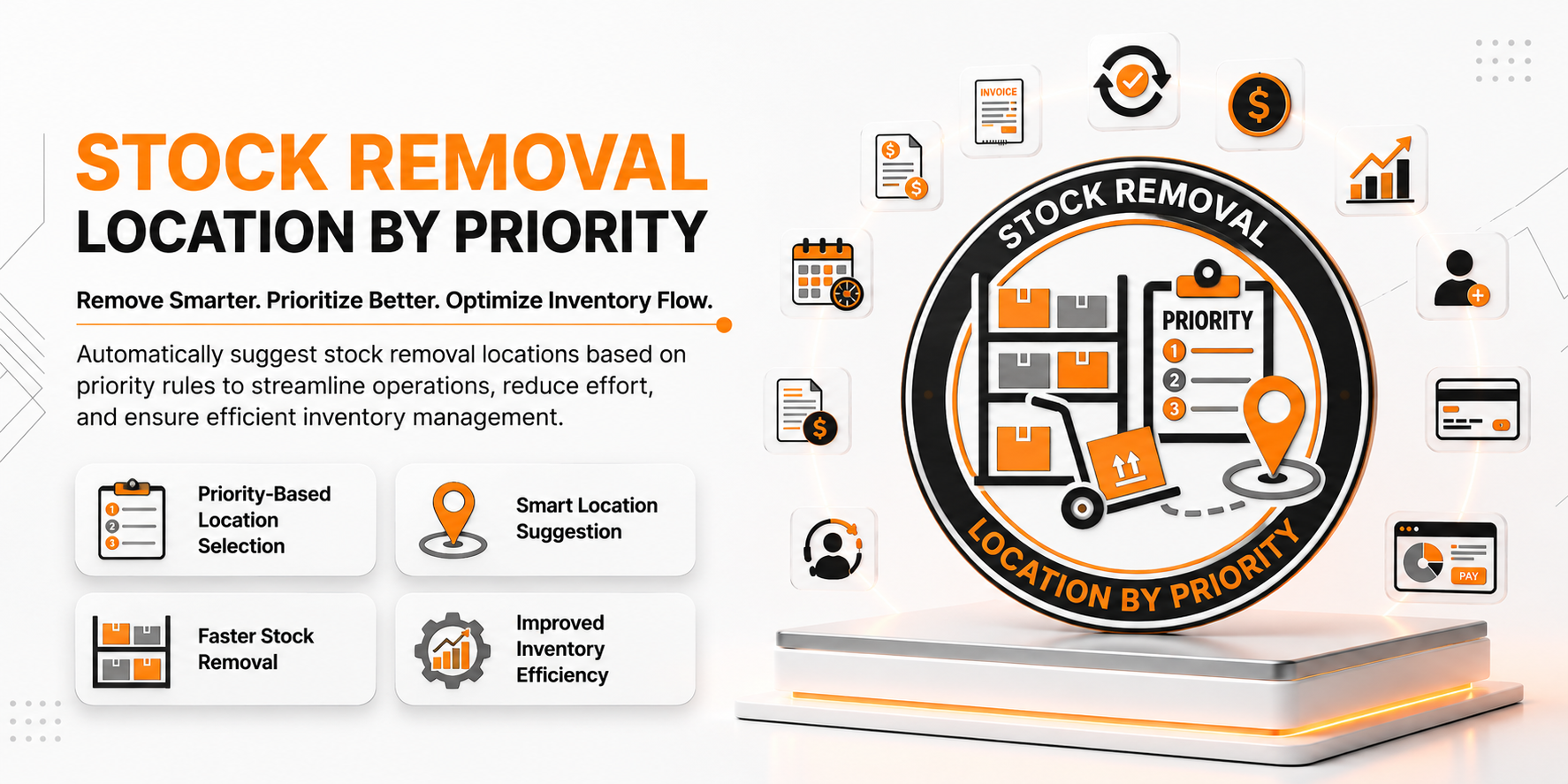
📦 Stock Removal Location by Priority
| Author | ERP Addons |
| Website | https://www.erp-addons.com |
| Version | 19.0.1.0.0 |
| License | OPL-1 |
| Odoo | 19.0 |
📖 Overview
Stock Removal Location by Priority helps you control which warehouse location should be used first when products are removed from stock.
Normally, if multiple locations contain the same product with the same incoming date, Odoo may not always remove stock from the preferred location. This module lets you assign a Removal Priority to each stock location. When products have the same incoming date, Odoo automatically picks the location with the highest priority.
This helps businesses organize warehouse operations and control how inventory is picked.
🚀 Key Features
📍 Set Removal Priority for Locations
Assign a priority to every stock location.
📍 Menu Navigation
Inventory → Configuration → Locations
Features
- Set a removal priority for each location.
- Higher priority locations are selected first.
- Easy to configure.
- Works with existing warehouse locations.
📦 Smarter Stock Removal
When products have the same incoming date, Odoo chooses the location with the highest priority.
Benefits
- Better control over stock picking.
- Consistent inventory removal.
- Improved warehouse organization.
- Reduce manual picking decisions.
🔄 Works with FIFO and LIFO
The module supports the standard Odoo removal strategies.
Supported Strategies
- FIFO (First In, First Out)
- LIFO (Last In, First Out)
If two products have the same incoming date, the configured location priority is used to decide which location should be selected.
⚙️ Easy Configuration
Simply assign a priority value to your warehouse locations and continue using the standard inventory workflow.
No changes are required to your existing stock operations.
⚙️ Installation
- Copy the stock_removal_location_by_priority module into your Odoo addons directory.
- Update the Apps List.
📍 Menu Navigation
Apps → Update Apps List
- Search for Stock Removal Location by Priority.
- Click Install.
📖 Usage
🏷️ Configure Location Priority
📍 Menu Navigation
Inventory → Configuration → Locations
Steps
- Open a warehouse location.
- Enter a Removal Priority value.
- Save the location.
- Repeat for other locations as needed.
📦 Remove Products from Stock
Steps
- Create or validate a stock operation.
- If the same product exists in multiple locations with the same incoming date, Odoo automatically selects the location with the highest removal priority.
- Continue the stock operation as usual.
🏗️ Architecture
stock.removal.location.by.priority
│
├── Stock Location Extension
├── Removal Priority Configuration
├── Stock Removal Logic
└── Inventory Integration
📌 Changelog
19.0.1.0.0 — Initial Release
- Add removal priority to stock locations.
- Select locations based on priority when incoming dates are equal.
- Support FIFO and LIFO removal strategies.
- Improve warehouse picking and inventory management.
- Seamless integration with Odoo Inventory.
- Fully compatible with Odoo 19.
💬 Support
For questions, feature requests, or technical support, please visit:
🌐 https://www.erp-addons.com
Customer Reviews
No reviews yet. Be the first to review this product!
Need Help?
Have a question or need assistance with this product? Submit a support ticket and our team will get back to you.
Quick Help
Before Submitting
- Check the Documentation tab for common questions
- Ensure you have the latest version installed
- Review technical requirements
Response Time
We typically respond within 24-48 hours during business days.
Specifications
| Odoo Versions | 19.0 |