📦 Sale Order Product Availability Inline
| Author | ERP Addons |
| Website | https://www.erp-addons.com |
| Version | 19.0.1.0.0 |
| License | OPL-1 |
| Odoo | 19.0 |
📖 Overview
When creating a Sales Order, users often need to know whether a product is available before adding it to the quotation. Normally, this information requires opening the product or checking inventory separately.
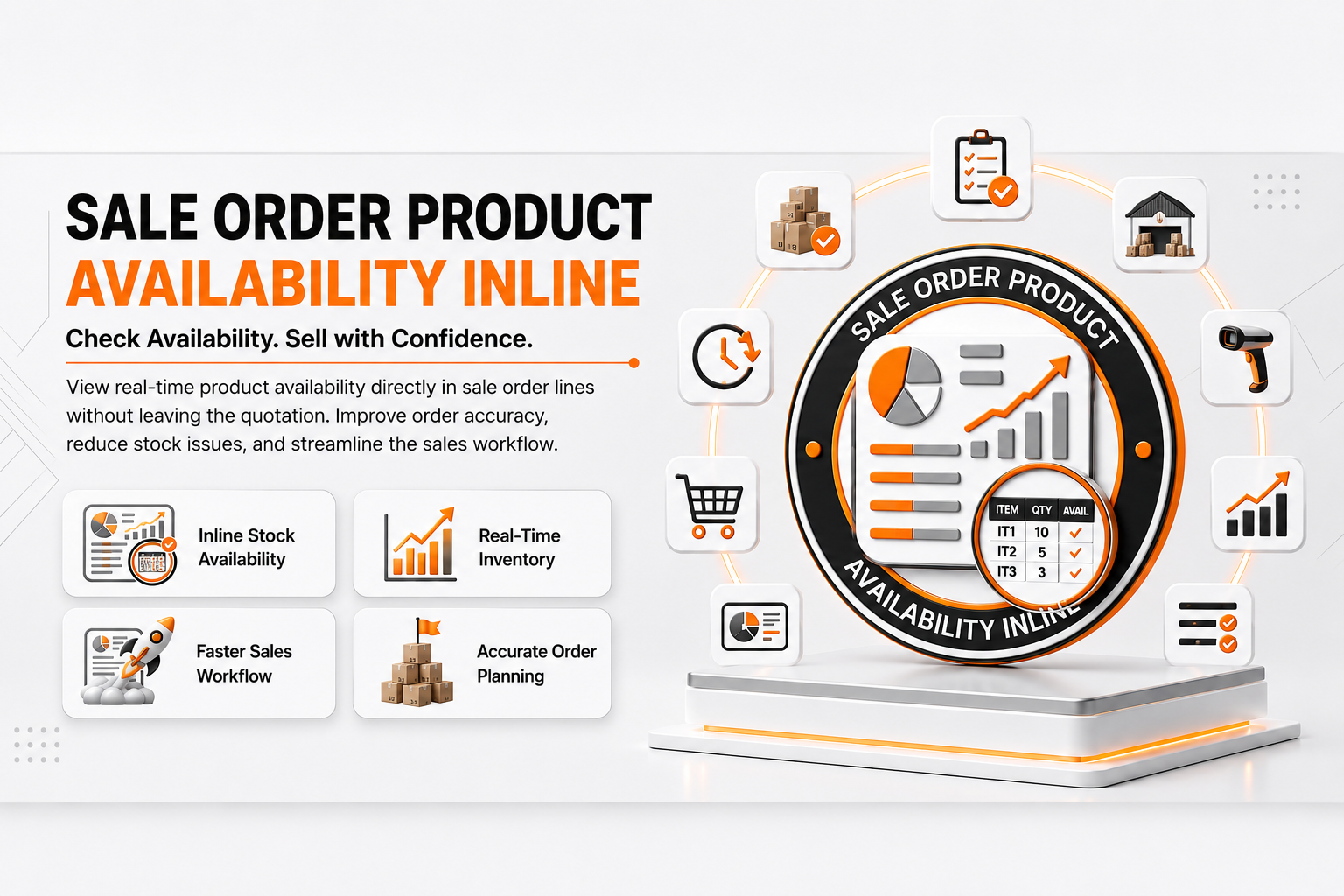
Sale Order Product Availability Inline displays product availability directly in the product selection dropdown of Sales Order lines. Users can immediately see stock availability while selecting products, helping them make faster and more informed decisions.
This improves the sales process by reducing unnecessary clicks and preventing the selection of unavailable products.
🚀 Key Features
📦 View Product Availability Instantly
📍 Menu Navigation
Sales → Orders → Quotations
- Display product availability inside the product dropdown.
- Check stock before selecting a product.
- Faster quotation creation.
- No need to open the product form.
⚡ Faster Sales Workflow
Sales users can quickly identify available products without leaving the Sales Order.
This helps reduce delays during quotation preparation.
📊 Better Decision Making
Availability information helps sales teams recommend products that are currently in stock, improving customer satisfaction.
🔄 Seamless Integration
The module extends the standard Sales Order product selection without changing the existing workflow.
Users continue using the standard quotation form while benefiting from additional stock information.
⚙️ Installation
- Copy the sale_order_product_availability_inline module into your addons directory.
- Update the Apps List.
📍 Menu Navigation
Apps → Update Apps List
- Search for Sale Order Product Availability Inline.
- Click Install.
📖 Usage
Create a Quotation
📍 Menu Navigation
Sales → Orders → Quotations
Steps
- Create a new quotation.
- Add a new order line.
- Open the Product dropdown.
- Review the availability information shown beside each product.
- Select the required product.
🏗️ Architecture
sale.order.product.availability.inline
│
├── Product Extension
├── Sales Order Integration
└── Inline Availability Display
📌 Changelog
19.0.1.0.0 — Initial Release
- Added inline product availability.
- Integrated with Sales Order product selection.
- Improved quotation workflow.
- Odoo 19 compatible.
💬 Support
For questions, feature requests, or technical support, please visit:
🌐 https://www.erp-addons.com
Customer Reviews
No reviews yet. Be the first to review this product!
Need Help?
Have a question or need assistance with this product? Submit a support ticket and our team will get back to you.
Quick Help
Before Submitting
- Check the Documentation tab for common questions
- Ensure you have the latest version installed
- Review technical requirements
Response Time
We typically respond within 24-48 hours during business days.
Specifications
| Odoo Versions | 19.0 |
| Dependencies | ea_base_view_inheritance_extension sale_stock |