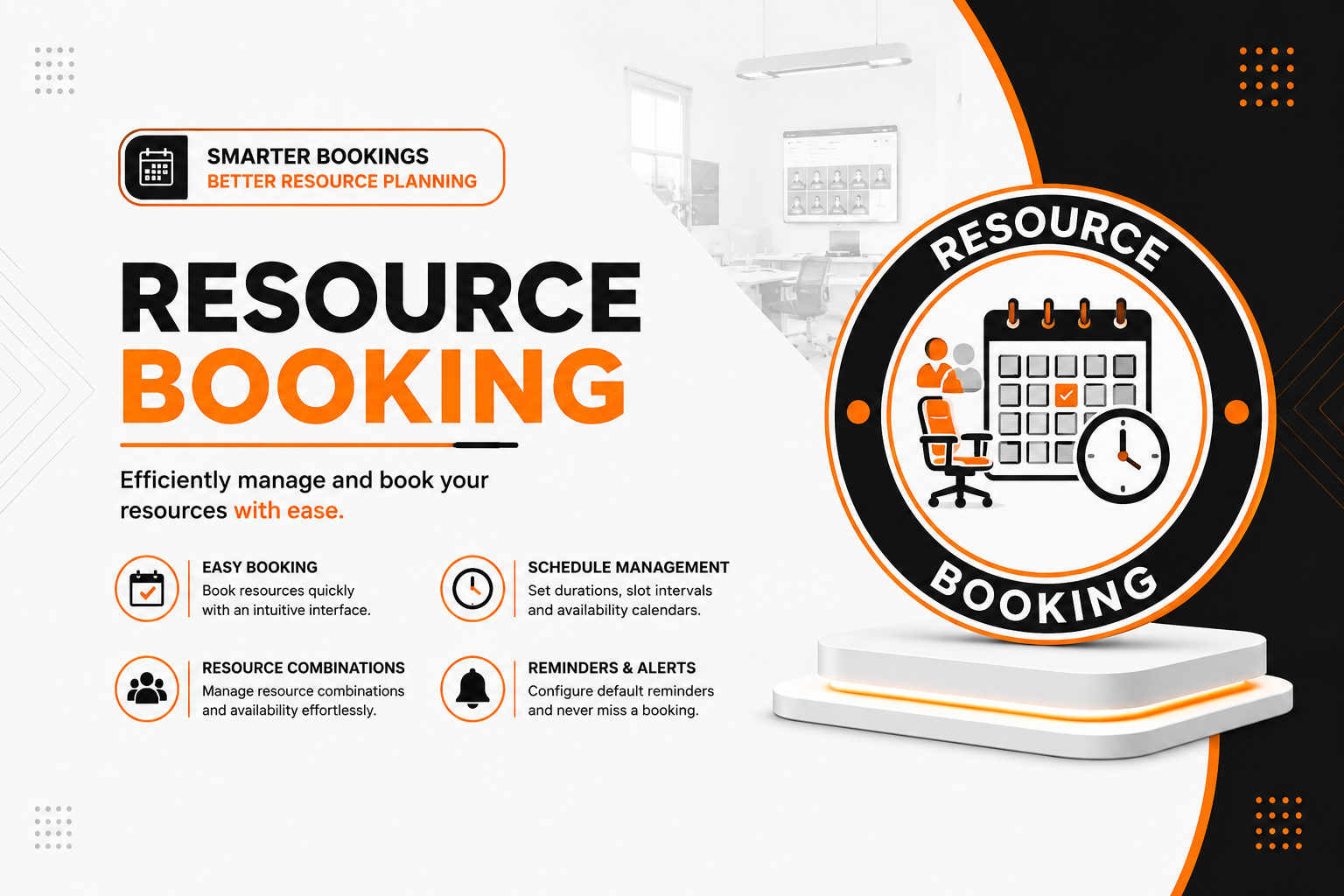
📅 Resource Booking
| Author | ERP Addons |
| Website | https://www.erp-addons.com |
| Version | 19.0.1.0.0 |
| License | OPL-1 |
| Odoo | 19.0 |
📖 Overview
Resource Booking helps you schedule appointments and reserve shared resources in Odoo.
Whether you need to book meeting rooms, doctors, classrooms, equipment, hotel rooms, or employees, this module lets you manage reservations from one place. It checks availability automatically, prevents booking conflicts, and creates calendar meetings for confirmed bookings.
Customers can also book available time slots through the portal using a secure booking link.
🚀 Key Features
📅 Create Booking Types
Create different types of bookings for your business.
📍 Menu Navigation
Resource Bookings → Configuration → Booking Types
Features
- Create multiple booking types.
- Configure available schedules.
- Define booking duration.
- Manage different appointment categories.
🏢 Manage Resources
Group one or more resources that can be booked together.
📍 Menu Navigation
Resource Bookings → Configuration → Resource Combinations
Features
- Create resource combinations.
- Book multiple resources together.
- Use resources only when they are available.
- Prevent double booking.
📝 Create Resource Bookings
Book available resources in just a few clicks.
📍 Menu Navigation
Resource Bookings → Bookings
Features
- Select an available time slot.
- Assign a requester.
- Automatically assign available resources.
- Manually select a resource combination if needed.
🌐 Portal Booking
Allow customers or external users to schedule appointments online.
Features
- Secure booking link.
- Customer portal access.
- Book appointments without backend access.
- Easy self-service booking experience.
📆 Calendar Integration
Bookings are automatically synchronized with the Odoo Calendar.
Benefits
- Automatic meeting creation.
- Automatic meeting updates.
- Automatic meeting removal when bookings are cancelled.
- Better schedule management.
🚫 Conflict Detection
The system checks resource availability before confirming a booking.
Benefits
- Prevent double bookings.
- Avoid scheduling conflicts.
- Ensure resources are available.
- Improve planning accuracy.
⚙️ Installation
- Copy the resource_booking module into your Odoo addons directory.
- Update the Apps List.
📍 Menu Navigation
Apps → Update Apps List
- Search for Resource Booking.
- Click Install.
📖 Usage
🏷️ Create a Booking Type
📍 Menu Navigation
Resource Bookings → Configuration → Booking Types
Steps
- Click Create.
- Enter the booking type name.
- Configure the available schedule.
- Save the record.
🏢 Configure Resource Combinations
📍 Menu Navigation
Resource Bookings → Configuration → Resource Combinations
Steps
- Click Create.
- Select one or more resources.
- Save the combination.
📅 Create a Booking
📍 Menu Navigation
Resource Bookings → Bookings
Steps
- Click Create.
- Select a booking type.
- Choose an available time slot.
- Select the requester.
- Save the booking.
🌐 Invite a Customer
Steps
- Open a booking.
- Share the booking link with the customer.
- The customer opens the secure portal page.
- The customer selects an available time slot.
- The booking is confirmed automatically.
🏗️ Architecture
resource.booking
│
├── Booking Types
├── Resource Combinations
├── Booking Management
├── Calendar Integration
├── Portal Booking
└── Conflict Detection
📌 Changelog
19.0.1.0.0 — Initial Release
- Create and manage booking types.
- Reserve single or multiple resources.
- Automatic calendar event creation.
- Customer portal booking.
- Automatic conflict detection.
- Secure booking links.
- Seamless integration with Calendar and Resources.
- Fully compatible with Odoo 19.
💬 Support
For questions, feature requests, or technical support, please visit:
🌐 https://www.erp-addons.com
Customer Reviews
No reviews yet. Be the first to review this product!
Need Help?
Have a question or need assistance with this product? Submit a support ticket and our team will get back to you.
Quick Help
Before Submitting
- Check the Documentation tab for common questions
- Ensure you have the latest version installed
- Review technical requirements
Response Time
We typically respond within 24-48 hours during business days.
Specifications
| Odoo Versions | 19.0 |