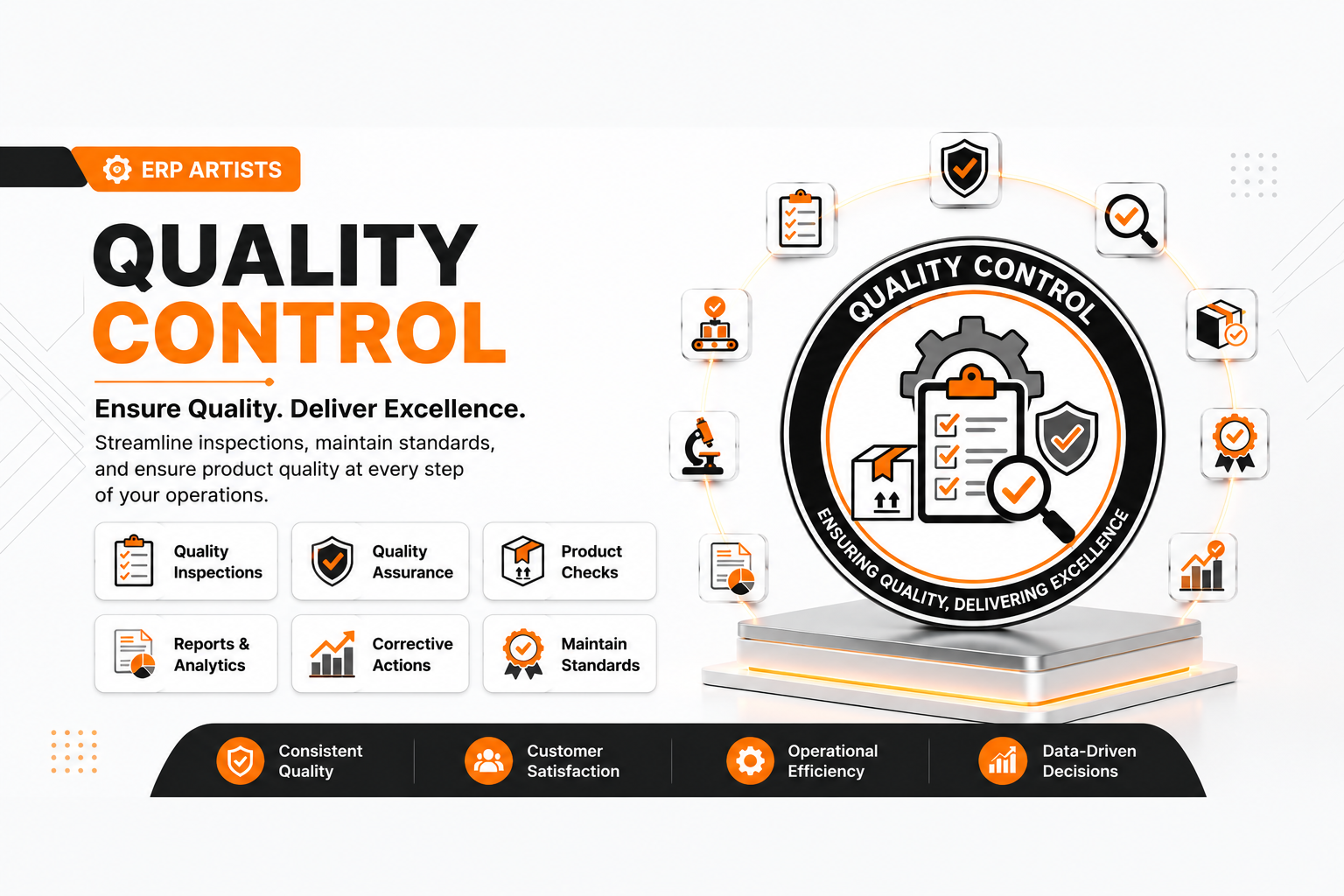
✅ Quality Control
| Author | ERP Addons |
| Website | https://www.erp-addons.com |
| Version | 19.0.1.0.0 |
| License | OPL-1 |
| Odoo | 19.0 |
📖 Overview
Quality Control helps businesses inspect products and ensure they meet quality standards before they are accepted or
delivered.
With this module, you can create quality tests, define inspection questions, assign tests to products or product
categories, and perform inspections during different business processes. The module records inspection results and helps
track whether products pass or fail quality checks.
It provides a simple and flexible quality management system that can be adapted to different industries and business
requirements.
🚀 Key Features
📝 Create Quality Tests
Create reusable quality tests with different inspection questions.
📍 Menu Navigation
Quality → Configuration → Quality Tests
Features
- Create multiple quality tests.
- Add inspection questions.
- Reuse tests across products.
- Organize tests by category.
❓ Configure Inspection Questions
Create questions that inspectors must answer during quality inspections.
📍 Menu Navigation
Quality → Configuration → Questions
Features
- Create qualitative questions (Yes/No, Good/Bad, etc.).
- Create quantitative questions (numeric values).
- Define acceptable value ranges.
- Configure possible answers.
📦 Assign Tests to Products
Link quality tests to products or product categories.
Features
- Product-specific quality tests.
- Category-based quality tests.
- Automatic test selection.
- Easy quality management.
🔍 Perform Quality Inspections
Carry out inspections using predefined quality tests.
📍 Menu Navigation
Quality → Operations → Inspections
Features
- Select a quality test.
- Answer inspection questions.
- Record inspection results.
- Track inspection status.
📊 Inspection Workflow
Manage inspections through a simple workflow.
The inspection can move through the following stages:
- Draft
- Confirmed
- Passed
- Failed
- Approved (after review)
This helps ensure proper quality approval before products move to the next process.
📈 Better Quality Management
Maintain consistent product quality by using standardized inspection procedures.
Benefits
- Improve product quality.
- Reduce defective products.
- Standardize inspections.
- Maintain complete inspection history.
⚙️ Installation
- Copy the quality_control module into your Odoo addons directory.
- Update the Apps List.
📍 Menu Navigation
Apps → Update Apps List
- Search for Quality Control.
- Click Install.
📖 Usage
📝 Create a Quality Test
📍 Menu Navigation
Quality → Configuration → Quality Tests
Steps
- Click Create.
- Enter the test name.
- Add inspection questions.
- Save the test.
📦 Assign a Test to a Product
📍 Menu Navigation
Quality → Configuration → Quality Triggers
Steps
- Create a Quality Trigger.
- Select the product or product category.
- Select the quality test.
- Save the trigger.
🔍 Perform an Inspection
📍 Menu Navigation
Quality → Operations → Inspections
Steps
- Create a new inspection.
- Select the related document or product.
- Click Select Test.
- Complete the inspection questions.
- Confirm the inspection.
- Review the inspection result.
🏗️ Architecture
quality.control
│
├── Quality Tests
├── Inspection Questions
├── Quality Triggers
├── Product & Category Integration
├── Quality Inspections
└── Inspection Workflow
📌 Changelog
19.0.1.0.0 — Initial Release
- Create reusable quality tests.
- Support qualitative and quantitative questions.
- Product and category quality triggers.
- Quality inspection workflow.
- Inspection history and tracking.
- Seamless integration with Odoo.
- Fully compatible with Odoo 19.
💬 Support
For questions, feature requests, or technical support, please visit:
🌐 https://www.erp-addons.com
Customer Reviews
No reviews yet. Be the first to review this product!
Need Help?
Have a question or need assistance with this product? Submit a support ticket and our team will get back to you.
Quick Help
Before Submitting
- Check the Documentation tab for common questions
- Ensure you have the latest version installed
- Review technical requirements
Response Time
We typically respond within 24-48 hours during business days.
Specifications
| Odoo Versions | 19.0 |