📍 Purchase Location by Line
| Author | ERP Addons |
| Website | https://www.erp-addons.com |
| Version | 19.0.1.0.0 |
| License | OPL-1 |
| Odoo | 19.0 |
📖 Overview
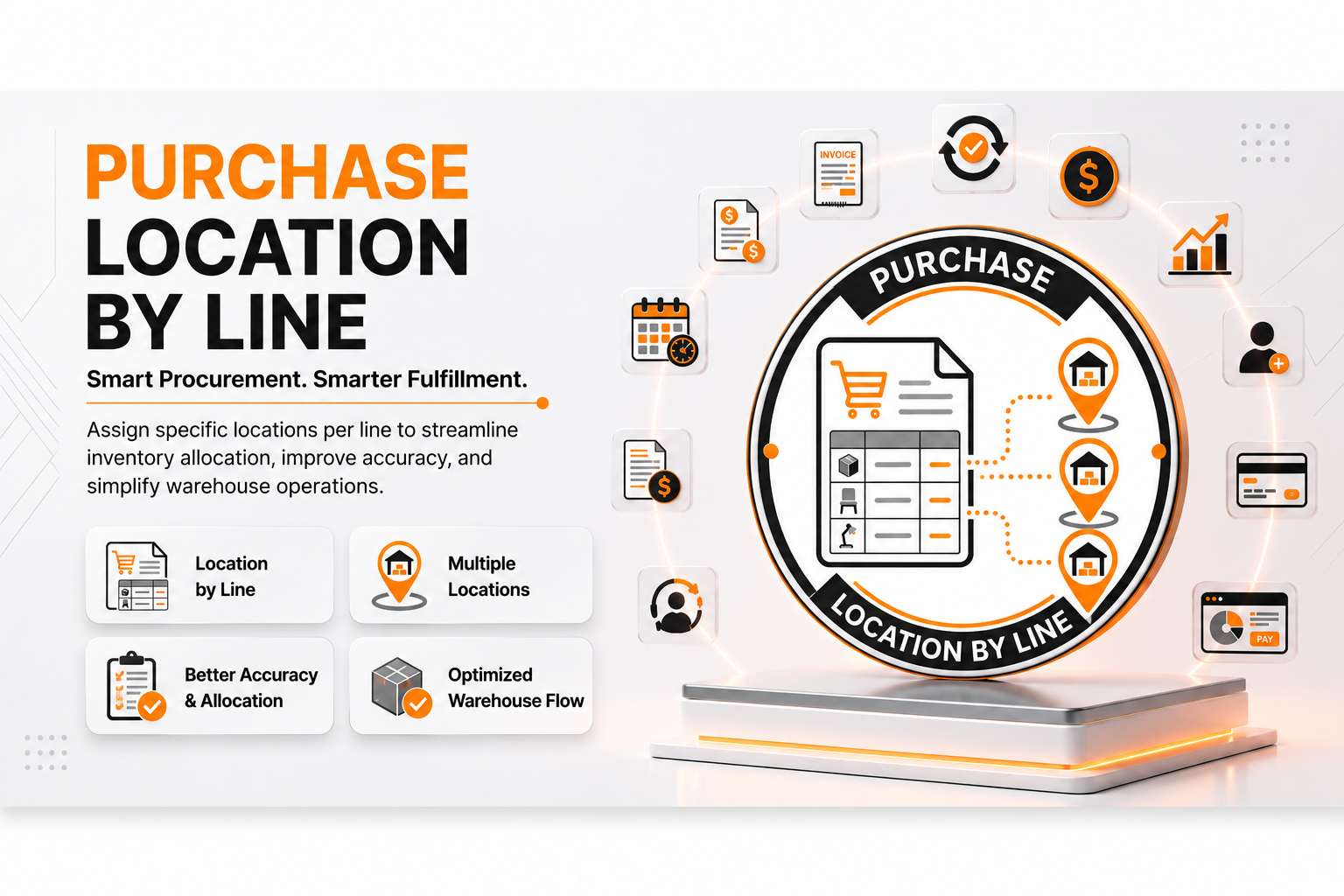
Purchase Location by Line makes it easy to receive products from a single Purchase Order into different warehouse locations.
In standard Odoo, all products in a Purchase Order are usually received into the same destination location. With this module, you can choose a different destination location for each Purchase Order line. When the Purchase Order is confirmed, Odoo automatically creates separate incoming shipments based on the selected destination locations and expected delivery dates.
This helps warehouse teams organize incoming goods more efficiently and reduces the need for manual stock transfers after receipt.
🚀 Key Features
📦 Set Destination Location for Each Purchase Order Line
Choose a different destination location for every product line.
📍 Menu Navigation
Purchase → Orders → Purchase Orders
Features
- Select a destination location for each line.
- Different products can be received into different warehouse locations.
- Easy configuration while creating the Purchase Order.
- No need to move products after receiving them.
🚚 Automatic Incoming Shipments
Separate incoming shipments are created automatically.
Benefits
- One shipment for each destination location.
- Also considers the expected delivery date.
- Better warehouse organization.
- Faster receiving process.
🏬 Better Warehouse Management
Receive products directly into the correct warehouse location.
Benefits
- Reduce internal stock transfers.
- Save warehouse operation time.
- Improve inventory accuracy.
- Simplify goods receiving.
⚡ Seamless Purchase Integration
The module works with the standard Purchase and Inventory workflow without changing the existing process.
Users continue creating Purchase Orders as usual while gaining the flexibility to choose different destination locations.
⚙️ Installation
- Copy the purchase_location_by_line module into your Odoo addons directory.
- Update the Apps List.
📍 Menu Navigation
Apps → Update Apps List
- Search for Purchase Location by Line.
- Click Install.
📖 Usage
🛒 Create a Purchase Order
📍 Menu Navigation
Purchase → Orders → Purchase Orders
Steps
- Click Create.
- Select a Vendor.
- Add product lines.
- For each line, choose the required Destination Location.
- Set the expected delivery date if needed.
- Save the Purchase Order.
✅ Confirm the Purchase Order
Steps
- Click Confirm Order.
- The module automatically groups Purchase Order lines.
- Separate Incoming Shipments are created based on:
- Destination Location
- Expected Delivery Date
📥 Receive Products
📍 Menu Navigation
Inventory → Operations → Receipts
Steps
- Open the generated Incoming Shipment.
- Verify the destination location.
- Validate the receipt.
- Products are received directly into the selected warehouse location.
🏗️ Architecture
purchase.location.by.line
│
├── Purchase Order Line Extension
├── Destination Location Selection
├── Incoming Shipment Generation
└── Warehouse Location Management
📌 Changelog
19.0.1.0.0 — Initial Release
- Destination location for each Purchase Order line.
- Automatic receipt grouping by destination location.
- Separate incoming shipments based on expected delivery dates.
- Better warehouse organization.
- Seamless integration with Purchase and Inventory.
- Fully compatible with Odoo 19.
💬 Support
For questions, feature requests, or technical support, please visit:
🌐 https://www.erp-addons.com
Customer Reviews
No reviews yet. Be the first to review this product!
Need Help?
Have a question or need assistance with this product? Submit a support ticket and our team will get back to you.
Quick Help
Before Submitting
- Check the Documentation tab for common questions
- Ensure you have the latest version installed
- Review technical requirements
Response Time
We typically respond within 24-48 hours during business days.
Specifications
| Odoo Versions | 19.0 |