🛒 Purchase Cancel Reason
| Author | ERP Addons |
| Website | https://www.erp-addons.com |
| Version | 19.0.1.0.0 |
| License | OPL-1 |
| Odoo | 19.0 |
📖 Overview
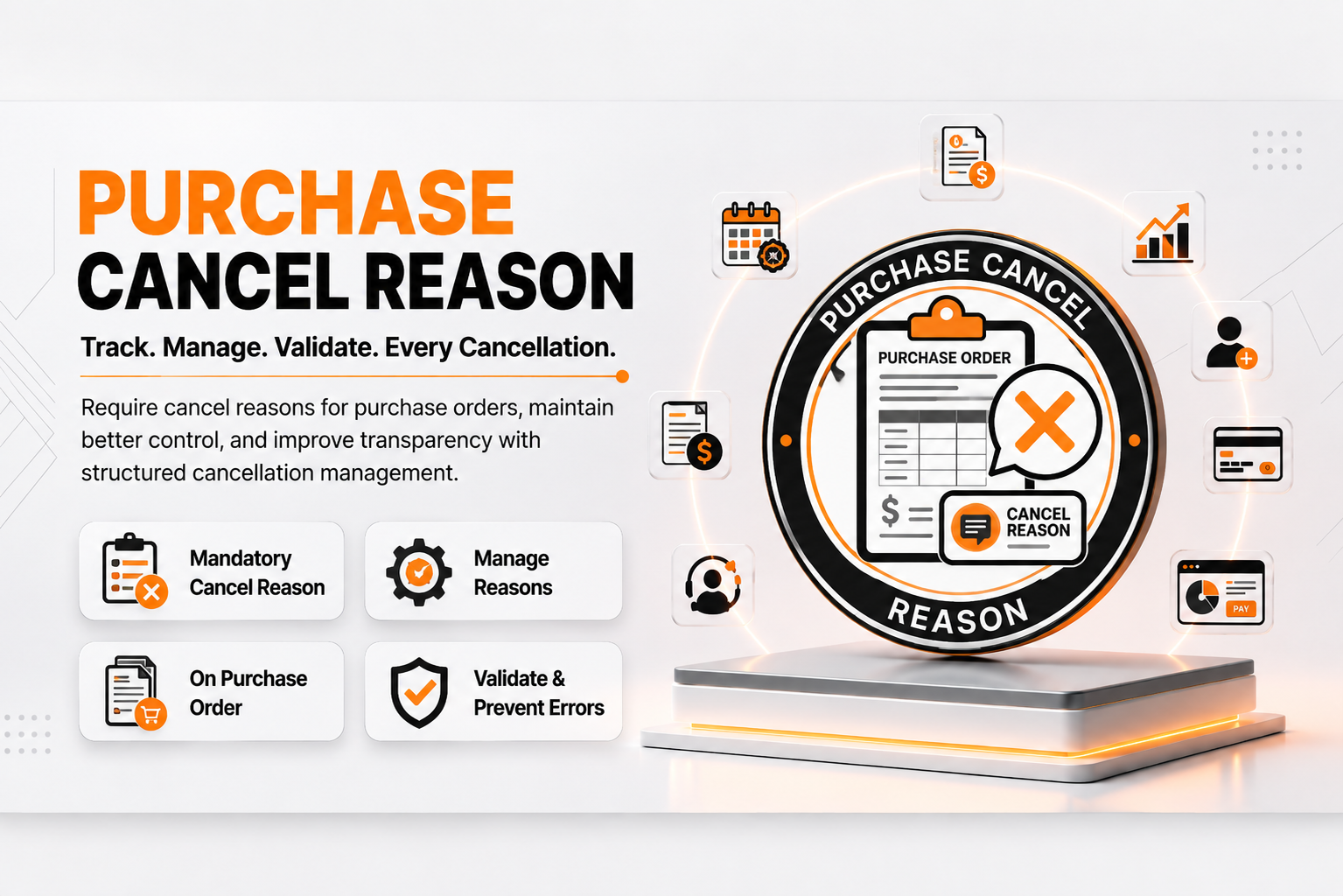
Purchase Cancel Reason improves the standard Odoo Purchase workflow by requiring users to provide a cancellation reason whenever a Request for Quotation (RFQ) or Purchase Order is cancelled.
Instead of cancelling purchase documents without any explanation, users must select a predefined reason before the cancellation is completed. This helps organizations improve accountability, maintain a complete audit trail, and better understand why purchases are being cancelled.
The module integrates seamlessly into the existing Purchase application without changing the standard workflow.
---# 🚀 Key Features
📝 Configurable Cancellation Reasons
Create and maintain a centralized list of cancellation reasons.
📍 Menu Navigation
Purchase → Configuration → Purchase Order Cancel Reasons
Features
- Create unlimited cancellation reasons
- Edit or remove existing reasons
- Standardize cancellation across departments
- Centralized reason management
🚫 Mandatory Cancellation Wizard
Whenever a user clicks Cancel, a popup wizard requires a cancellation reason before the document can be cancelled.
Features
- Mandatory reason selection
- Prevent accidental cancellations
- Simple popup interface
- Integrated with RFQs and Purchase Orders
📊 Purchase Order Tracking
The selected cancellation reason is stored directly on the Purchase Order.
Features
- Complete cancellation history
- Better audit compliance
- Easy management review
- Improved reporting
✅ Smart Validation
The module validates Purchase Orders before allowing cancellation.
Features
- Prevent cancellation of completed Purchase Orders
- Avoid duplicate cancellations
- Validate document status automatically
- Maintain business rule consistency
👤 Access Control
Secure cancellation reason configuration.
Features
- Purchase Manager access only
- Secure configuration management
📦 Ready-to-use Data
The module includes predefined cancellation reasons immediately after installation.
⚙️ Installation
- Copy the purchase_cancel_reason module into your Odoo addons directory.
- Update the Apps List.
📍 Menu Navigation
Apps → Update Apps List
- Search for Purchase Cancel Reason.
- Click Install.
📖 Usage
🛠️ Configure Cancellation Reasons
📍 Menu Navigation
Purchase → Configuration → Purchase Order Cancel Reasons
Steps
- Click Create.
- Enter a cancellation reason.
- Save the record.
- Repeat for additional reasons if required.
❌ Cancel a Purchase Order
📍 Menu Navigation
Purchase → Orders → Purchase Orders
Steps
- Open a Purchase Order.
- Click Cancel.
- The Purchase Cancel Reason Wizard opens.
- Select the cancellation reason.
- Click Confirm.
- The Purchase Order will be cancelled successfully.
📄 Cancel a Request for Quotation (RFQ)
📍 Menu Navigation
Purchase → Orders → Requests for Quotation
Steps
- Open an RFQ.
- Click Cancel.
- Select the cancellation reason.
- Click Confirm.
- The RFQ will be cancelled.
👀 View Cancellation Reason
📍 Menu Navigation
Purchase → Orders → Purchase Orders
Steps
- Open a cancelled Purchase Order.
- Locate the Cancellation Reason field.
- Review the stored cancellation reason.
🏗️ Architecture
purchase.cancel.reason
│
├── Purchase Cancel Reason Configuration
├── Purchase Cancel Wizard
├── Purchase Order Extension
└── Purchase Configuration
📌 Changelog
19.0.1.0.0 — Initial Release
- ✅ Configurable Purchase cancellation reasons
- ✅ Mandatory cancellation reason wizard
- ✅ Purchase Order cancellation tracking
- ✅ Smart Purchase Order validation
- ✅ Purchase Manager configuration access
- ✅ Predefined default cancellation reasons
- ✅ Fully compatible with Odoo 19
💬 Support
For questions, feature requests, or technical support, please visit:
🌐 https://www.erp-addons.com
Customer Reviews
No reviews yet. Be the first to review this product!
Need Help?
Have a question or need assistance with this product? Submit a support ticket and our team will get back to you.
Quick Help
Before Submitting
- Check the Documentation tab for common questions
- Ensure you have the latest version installed
- Review technical requirements
Response Time
We typically respond within 24-48 hours during business days.
Specifications
| Odoo Versions | 19.0 |
| Dependencies | purchase |