📅 Project Task Create Date
| Author | ERP Addons |
| Website | https://www.erp-addons.com |
| Version | 19.0.1.0.0 |
| License | OPL-1 |
| Odoo | 19.0 |
📖 Overview
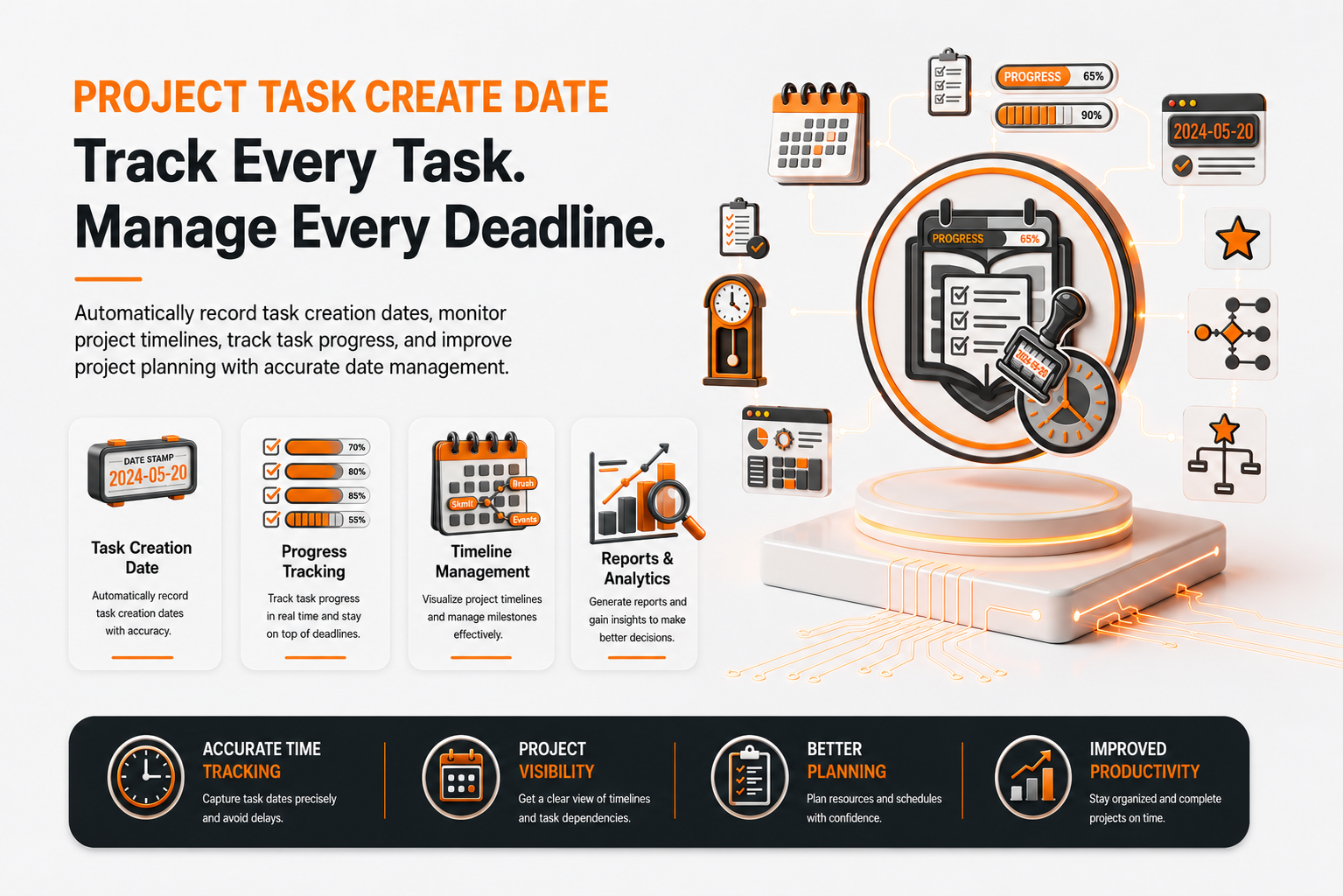
Project Task Create Date enhances the Project application by displaying the Creation Date of each task directly in the task list view.
Knowing when a task was created helps project managers and team members monitor task history, prioritize work, identify aging tasks, and improve project tracking. The module integrates seamlessly with the standard Project application without changing the existing workflow.
🚀 Key Features
📅 Display Task Creation Date
View the creation date of every project task directly from the list view.
📍 Menu Navigation
Project → Tasks
Features
- Display the task creation date.
- Quickly identify newly created tasks.
- Monitor older tasks that require attention.
- Improve project visibility.
📋 Enhanced Task List View
The module extends the standard Project task list by adding a Creation Date column.
Benefits
- Better task tracking.
- Easier reporting.
- Improved task management.
- No changes to the standard Project workflow.
👀 Optional Column Visibility
The Creation Date column can be shown or hidden using Odoo's list view column options.
This allows users to customize the task list according to their preferences.
⚡ Seamless Integration
The module works directly with the standard Project application and requires no additional configuration after installation.
⚙️ Installation
- Copy the project_task_create_date module into your Odoo addons directory.
- Update the Apps List.
📍 Menu Navigation
Apps → Update Apps List
- Search for Project Task Create Date.
- Click Install.
📖 Usage
👀 View Task Creation Date
📍 Menu Navigation
Project → Tasks
Steps
- Open the Project application.
- Navigate to Tasks.
- Switch to the List View.
- Locate the Creation Date column.
If the Creation Date column is hidden, enable it from the list view column selector.
📊 Track Task History
Use the Creation Date column to:
- Identify recently created tasks.
- Monitor pending tasks.
- Review task aging.
- Improve project planning.
🏗️ Architecture
project.task.create.date
│
├── Project Task List View Extension
├── Creation Date Column
└── Project Task Interface Enhancement
📌 Changelog
19.0.1.0.0 — Initial Release
- Added Creation Date column to the Project task list view.
- Improved task tracking and visibility.
- Supports optional column display.
- Seamless integration with the Project module.
- Fully compatible with Odoo 19.
💬 Support
For questions, feature requests, or technical support, please visit:
🌐 https://www.erp-addons.com
Customer Reviews
No reviews yet. Be the first to review this product!
Need Help?
Have a question or need assistance with this product? Submit a support ticket and our team will get back to you.
Quick Help
Before Submitting
- Check the Documentation tab for common questions
- Ensure you have the latest version installed
- Review technical requirements
Response Time
We typically respond within 24-48 hours during business days.
Specifications
| Odoo Versions | 19.0 |