🔢 Product Sequence
| Author | ERP Addons |
| Website | https://www.erp-addons.com |
| Version | 19.0.1.0.0 |
| License | OPL-1 |
| Odoo | 19.0 |
📖 Overview
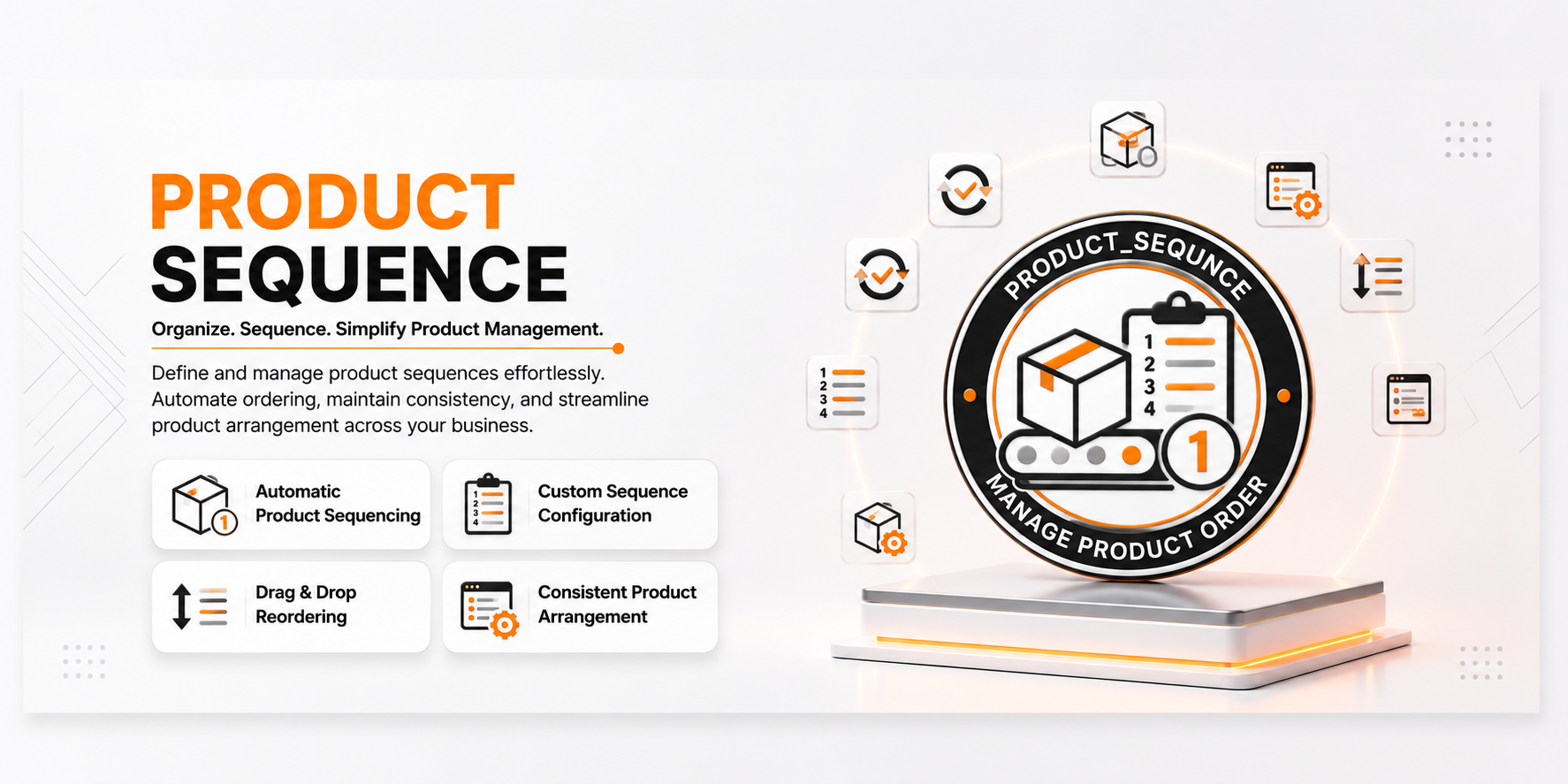
Product Sequence automates the generation of unique Internal References (Default Codes) for products in Odoo.
Instead of entering product codes manually, the module generates them automatically using configurable sequences. You can define a global sequence for all products or configure different prefixes for individual product categories, making product identification more organized and consistent.
This helps businesses maintain standardized product codes, reduce manual errors, and simplify product management across large product catalogs.
🚀 Key Features
🔢 Automatic Product Reference Generation
Automatically generate unique Internal References (Default Codes) for new products.
📍 Menu Navigation
Inventory → Products → Products
Features
- Automatically generate product codes.
- Unique internal references.
- Eliminate manual code entry.
- Improve product consistency.
📂 Category-Based Product Sequences
Configure different prefixes for different product categories.
📍 Menu Navigation
Inventory → Configuration → Product Categories
Features
- Define category-specific prefixes.
- Generate organized product references.
- Separate product codes by category.
- Easy category management.
🌳 Parent Category Prefix Support
Optionally inherit the prefix from a parent category when no prefix is configured for a child category.
Benefits
- Simplify category configuration.
- Maintain consistent numbering.
- Reduce repetitive setup.
⚙️ Global Sequence Configuration
Configure how product sequences behave from Odoo Settings.
📍 Menu Navigation
Settings → General Settings
Features
- Enable category prefix inheritance.
- Manage product sequence behavior.
- Centralized configuration.
⚡ Seamless Product Integration
The module integrates directly with the standard Product application and automatically generates references during product creation without changing the existing workflow.
⚙️ Installation
- Copy the product_sequence module into your Odoo addons directory.
- Update the Apps List.
📍 Menu Navigation
Apps → Update Apps List
- Search for Product Sequence.
- Click Install.
📖 Usage
⚙️ Configure Product Category Prefix
📍 Menu Navigation
Inventory → Configuration → Product Categories
Steps
- Open a Product Category.
- Enter the Prefix for Product Internal Reference.
- Save the category.
⚙️ Configure Global Settings
📍 Menu Navigation
Settings → General Settings
Steps
- Open General Settings.
- Navigate to the Product Sequences section.
- Enable or disable Use Parent Category Prefix.
- Save the settings.
📦 Create a Product
📍 Menu Navigation
Inventory → Products → Products
Steps
- Click Create.
- Enter the product information.
- Save the product.
- The Internal Reference (Default Code) is generated automatically based on the configured sequence.
🏗️ Architecture
product.sequence
│
├── Product Sequence Generator
├── Product Category Prefix
├── Global Sequence Settings
└── Automatic Internal Reference Assignment
📌 Changelog
19.0.1.0.0 — Initial Release
- Automatic Internal Reference generation.
- Category-based product sequences.
- Parent category prefix inheritance.
- Global sequence configuration.
- Seamless Product integration.
- Fully compatible with Odoo 19.
💬 Support
For questions, feature requests, or technical support, please visit:
🌐 https://www.erp-addons.com
Customer Reviews
No reviews yet. Be the first to review this product!
Need Help?
Have a question or need assistance with this product? Submit a support ticket and our team will get back to you.
Quick Help
Before Submitting
- Check the Documentation tab for common questions
- Ensure you have the latest version installed
- Review technical requirements
Response Time
We typically respond within 24-48 hours during business days.
Specifications
| Odoo Versions | 19.0 |