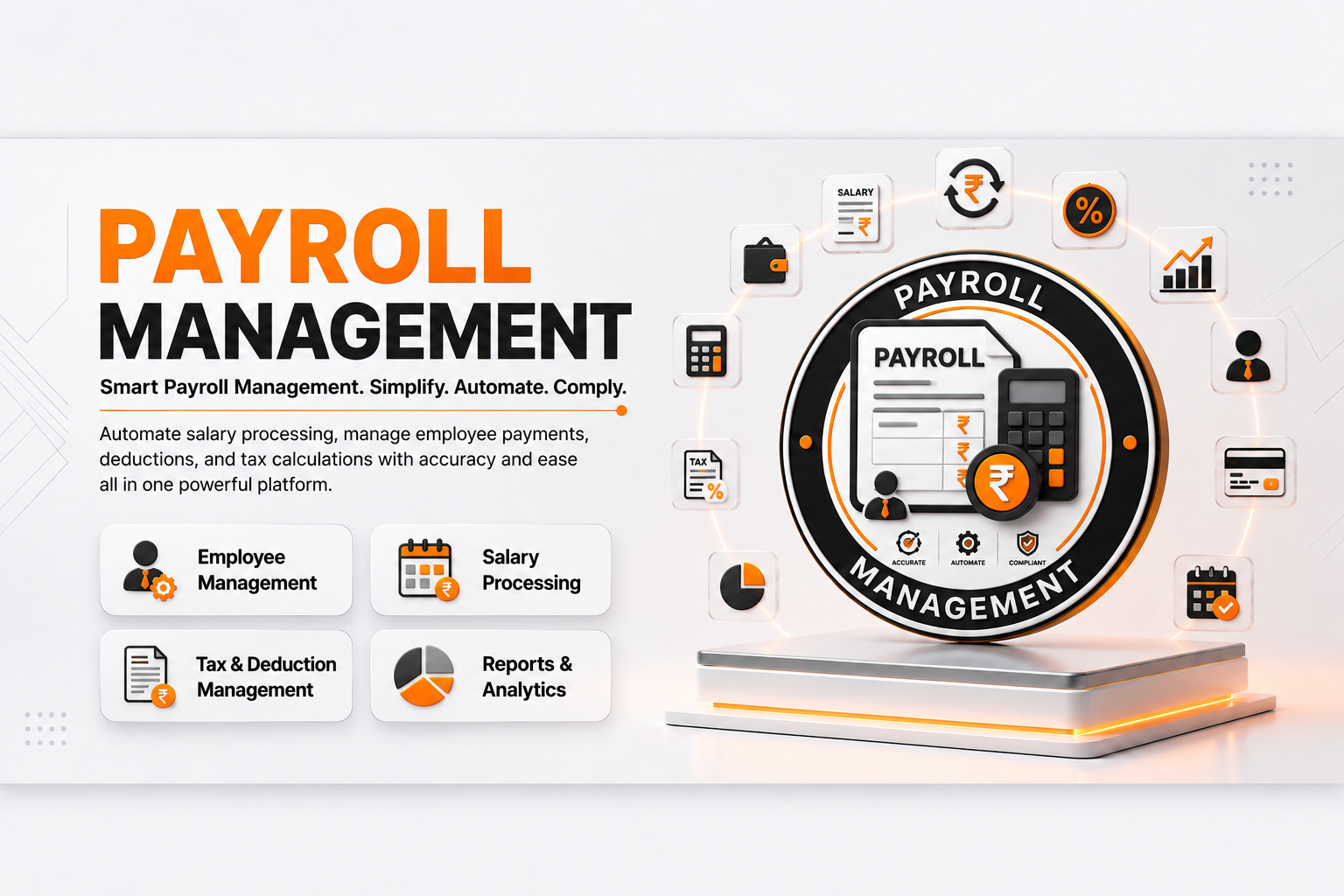
💰 Payroll
| Author | ERP Addons |
| Website | https://www.erp-addons.com |
| Version | 19.0.1.0.0 |
| License | OPL-1 |
| Odoo | 19.0 |
📖 Overview
Payroll helps businesses manage employee salaries and payslips in Odoo.
It provides tools to define salary structures and salary rules, manage
employee contracts, calculate payslips, group payslips into batches, and
generate payroll reports.
The module also supports worked days, salary inputs, contribution registers,
and sending payslips by email.
🚀 Key Features
👤 Employee Payroll Management
Manage payroll information directly from employee records.
You can view the employee's payslips and quickly access payroll information.
📄 Employee Contracts
Payroll works with employee contracts to determine salary information.
Contracts can include:
- Salary structure.
- Wage.
- Payment schedule.
- Working schedule.
- Company.
- Other contract information.
🏗️ Salary Structures
Create salary structures that define which salary rules are used to calculate
an employee's payslip.
A structure can contain multiple salary rules.
Example
Monthly Salary Structure
│
├── Basic Salary
├── Allowances
├── Deduction
└── Net Salary
🧮 Salary Rules
Salary rules control how individual payroll amounts are calculated.
A rule can calculate an amount using:
- Fixed amount.
- Percentage.
- Python expression.
Rules can also have conditions, quantities, sequences, categories, and
parent-child relationships.
This makes it possible to create payroll calculations that match different
business requirements.
📅 Payslip Management
Create and manage employee payslips for a selected period.
A payslip can contain:
- Employee.
- Contract.
- Salary structure.
- Date range.
- Worked days.
- Salary inputs.
- Salary rules.
- Calculated amounts.
Payslip lines are automatically calculated from the configured salary rules.
📦 Payslip Batches
Create a batch of payslips for multiple employees.
Batches are useful for processing payroll for a complete group of employees at
once.
A batch can be:
Draft
  ↓
Processed Payslips
  ↓
Closed
⏱️ Worked Days
Payroll can calculate salary based on the employee's worked days.
Worked day information can be used by salary rules when calculating payroll
amounts.
💵 Salary Inputs
Additional payroll inputs can be used in salary calculations.
Examples include:
- Bonuses.
- Allowances.
- Deductions.
- Other payroll adjustments.
These inputs can be used by salary rules during payslip computation.
🏦 Contribution Registers
Create contribution registers to organize payroll contributions.
Registers can be linked to payslip lines and can be used to track amounts
related to third parties or other payroll contributions.
📊 Payroll Reports
The module provides payroll reports for reviewing employee salary
information.
Reports include:
- Payslip.
- Payslip details.
- Contribution register.
These reports help administrators review and share payroll information.
📧 Send Payslips by Email
Payslips can be sent to employees through email.
This makes it easier to distribute salary information without manually
downloading and sending each payslip.
⚙️ Payroll Configuration
Payroll settings allow administrators to control payroll behavior.
The module also provides payroll security access so that payroll information
can be managed by authorized users.
⚙️ Installation
- Copy the payroll module into your Odoo addons directory.
- Restart the Odoo server.
- Update the Apps List.
📍 Menu Navigation
Apps → Update Apps List
- Search for Payroll.
- Click Install.
The module depends on:
hr_contract
hr_holidays
mail
📖 Usage
👤 Set Up an Employee Contract
- Open Employees.
- Select an employee.
- Open the employee's contract.
- Enter the wage and working schedule.
- Select a salary structure.
- Select the payment schedule.
- Save the contract.
🏗️ Create a Salary Structure
- Open Payroll → Configuration → Structures.
- Create a new salary structure.
- Enter the structure name.
- Add the required salary rules.
- Set the sequence of the rules.
- Save the structure.
🧮 Configure a Salary Rule
- Open Payroll → Configuration → Salary Rules.
- Create or open a salary rule.
- Enter the rule name and code.
- Select the salary category.
- Choose the calculation method.
- Configure the amount or calculation expression.
- Set conditions if required.
- Save the rule.
📄 Create a Payslip
- Open Payroll → Payslips.
- Click New.
- Select the employee.
- Select the employee contract.
- Set the payslip period.
- Select the salary structure if required.
- Add worked days or inputs when needed.
- Compute the payslip.
- Review the salary lines and totals.
- Confirm or validate the payslip.
📦 Process Payslips in a Batch
- Open Payroll → Payslips → Batches.
- Create a new batch.
- Set the payroll period.
- Select the required employees or payslips.
- Generate/process the payslips.
- Review the payslips.
- Close the batch when processing is complete.
📧 Send a Payslip by Email
- Open the required payslip.
- Make sure the employee has a valid email address.
- Use the email option available on the payslip.
- Review the email.
- Send the payslip to the employee.
🧩 How It Works
Employee
   │
   ▼
Employee Contract
   │
   ├── Wage
   ├── Payment Schedule
   └── Salary Structure
           │
           ▼
      Salary Rules
           │
           ├── Basic Salary
           ├── Allowances
           ├── Deductions
           └── Other Rules
           │
           ▼
        Payslip
           │
           ├── Worked Days
           ├── Inputs
           └── Payslip Lines
           │
           ▼
      Payroll Reports
The payroll calculation uses the employee contract, salary structure, salary
rules, worked days, and inputs to calculate the payslip.
📌 Changelog
19.0.1.0.0 — Initial Release
- Added employee payroll management.
- Added employee contract salary structures.
- Added configurable salary rules.
- Added fixed, percentage, and Python-based salary calculations.
- Added payslip management.
- Added payslip batches.
- Added worked day calculations.
- Added salary inputs.
- Added contribution registers.
- Added payroll reports.
- Added payslip email functionality.
- Added payroll configuration and security.
- Compatible with Odoo 19.
💬 Support
For questions, feature requests, or technical support, please visit:
🌐 https://www.erp-addons.com
Customer Reviews
No reviews yet. Be the first to review this product!
Need Help?
Have a question or need assistance with this product? Submit a support ticket and our team will get back to you.
Quick Help
Before Submitting
- Check the Documentation tab for common questions
- Ensure you have the latest version installed
- Review technical requirements
Response Time
We typically respond within 24-48 hours during business days.
Specifications
| Odoo Versions | 19.0 |