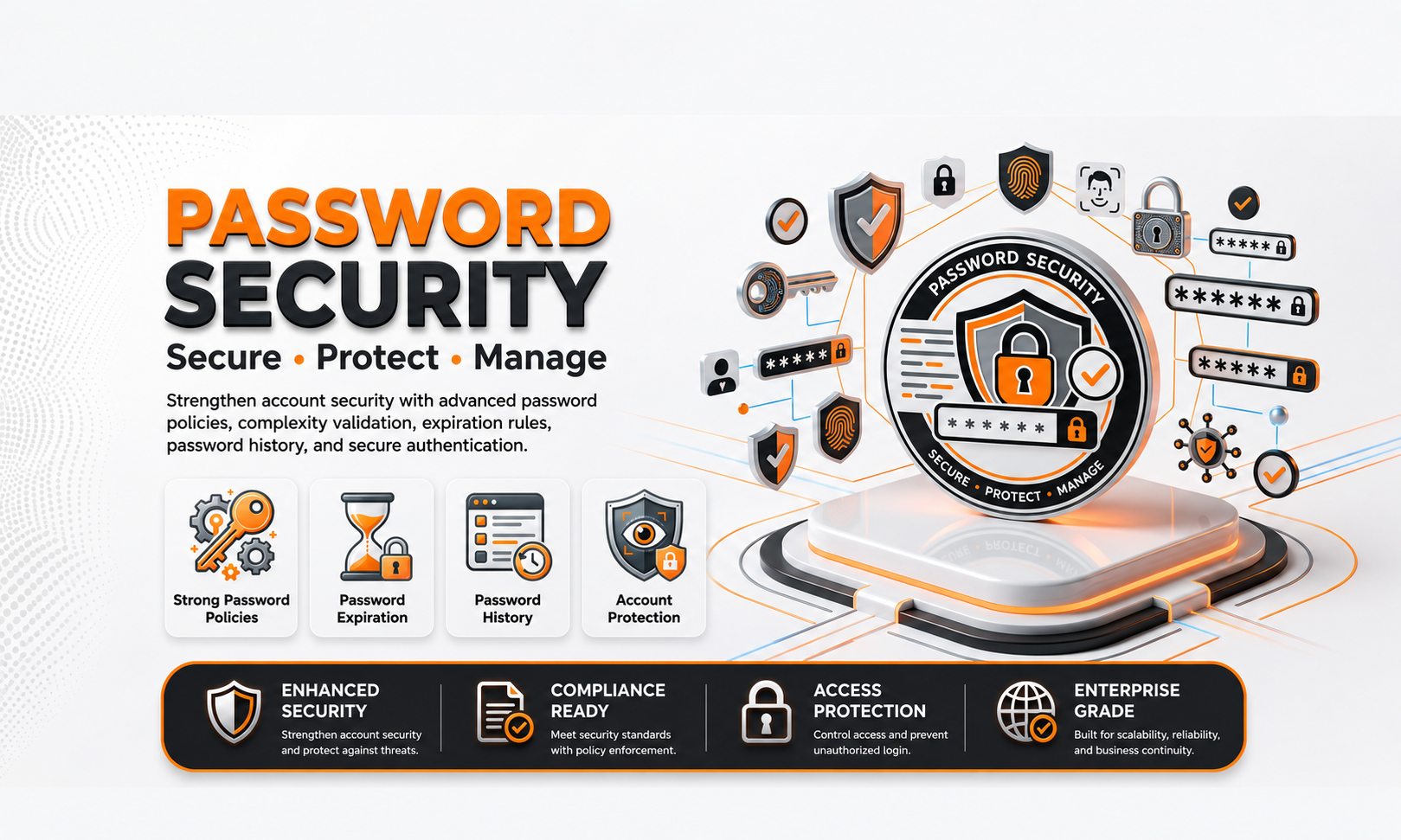
🔒 Password Security
| Author | ERP Addons |
| Website | https://www.erp-addons.com |
| Version | 19.0.1.0.0 |
| License | OPL-1 |
| Odoo | 19.0 |
📖 Overview
Strong password policies are essential for protecting business data and user accounts. Password Security helps administrators define password rules at the company level and automatically enforces those rules whenever users change their passwords.
With this module, you can configure password complexity requirements such as minimum length, uppercase letters, lowercase letters, numbers, special characters, and password expiration. This helps organizations improve account security and comply with internal security policies.
The module integrates seamlessly with Odoo's user management and works automatically in the background.
🚀 Key Features
🔐 Company-Level Password Policy
Configure password security rules for each company independently.
📍 Menu Navigation
Settings → General Settings
- Configure password policies by company.
- Different companies can use different security rules.
- Easy administration from one place.
🔑 Password Complexity Rules
Define the password requirements that users must follow.
You can configure:
- Minimum password length
- Minimum lowercase letters
- Minimum uppercase letters
- Minimum numeric characters
- Minimum special characters
These rules are automatically validated whenever a password is changed.
⏳ Password Expiration
Require users to update their passwords after a specified number of days.
This helps improve account security by encouraging regular password updates.
🛡️ Automatic Policy Enforcement
The configured password policy is applied automatically during password changes.
If a password does not meet the configured requirements, the user is prompted to create a stronger password before continuing.
⚡ Easy Administration
All password settings are managed from the standard Odoo Settings page without requiring any technical configuration.
Administrators can update security policies whenever business requirements change.
⚙️ Installation
- Copy the password_security module into your Odoo addons directory.
- Update the Apps List.
📍 Menu Navigation
Apps → Update Apps List
- Search for Password Security.
- Click Install.
📖 Usage
⚙️ Configure Password Policy
📍 Menu Navigation
Settings → General Settings
Steps
- Open General Settings.
- Scroll to the Password Policy section.
- Configure the required password rules.
- Save the settings.
👤 Change a User Password
When a user changes their password:
- The module validates the new password.
- All configured security rules are checked.
- If the password meets the policy, it is accepted.
- Otherwise, the user must create a stronger password.
🏢 Company-Specific Policies
If your database contains multiple companies, each company can maintain its own password policy according to its security requirements.
🏗️ Architecture
password.security
│
├── Company Password Policy
├── Password Validation
├── Password Expiration
└── User Password Enforcement
📌 Changelog
19.0.1.0.0 — Initial Release
- Company-level password policies.
- Password complexity validation.
- Password expiration support.
- Automatic password policy enforcement.
- Seamless integration with Odoo user management.
- Fully compatible with Odoo 19.
💬 Sup
💬 Support
For questions, feature requests, or technical support, please visit:
🌐 https://www.erp-addons.com
Customer Reviews
No reviews yet. Be the first to review this product!
Need Help?
Have a question or need assistance with this product? Submit a support ticket and our team will get back to you.
Quick Help
Before Submitting
- Check the Documentation tab for common questions
- Ensure you have the latest version installed
- Review technical requirements
Response Time
We typically respond within 24-48 hours during business days.
Specifications
| Odoo Versions | 19.0 |