🖍️ OWL Whiteboard
| Author | ERP Addons |
| Website | https://www.erp-addons.com |
| Version | 19.0.1.0.0 |
| License | OPL-1 |
| Odoo | 19.0 |
📖 Overview
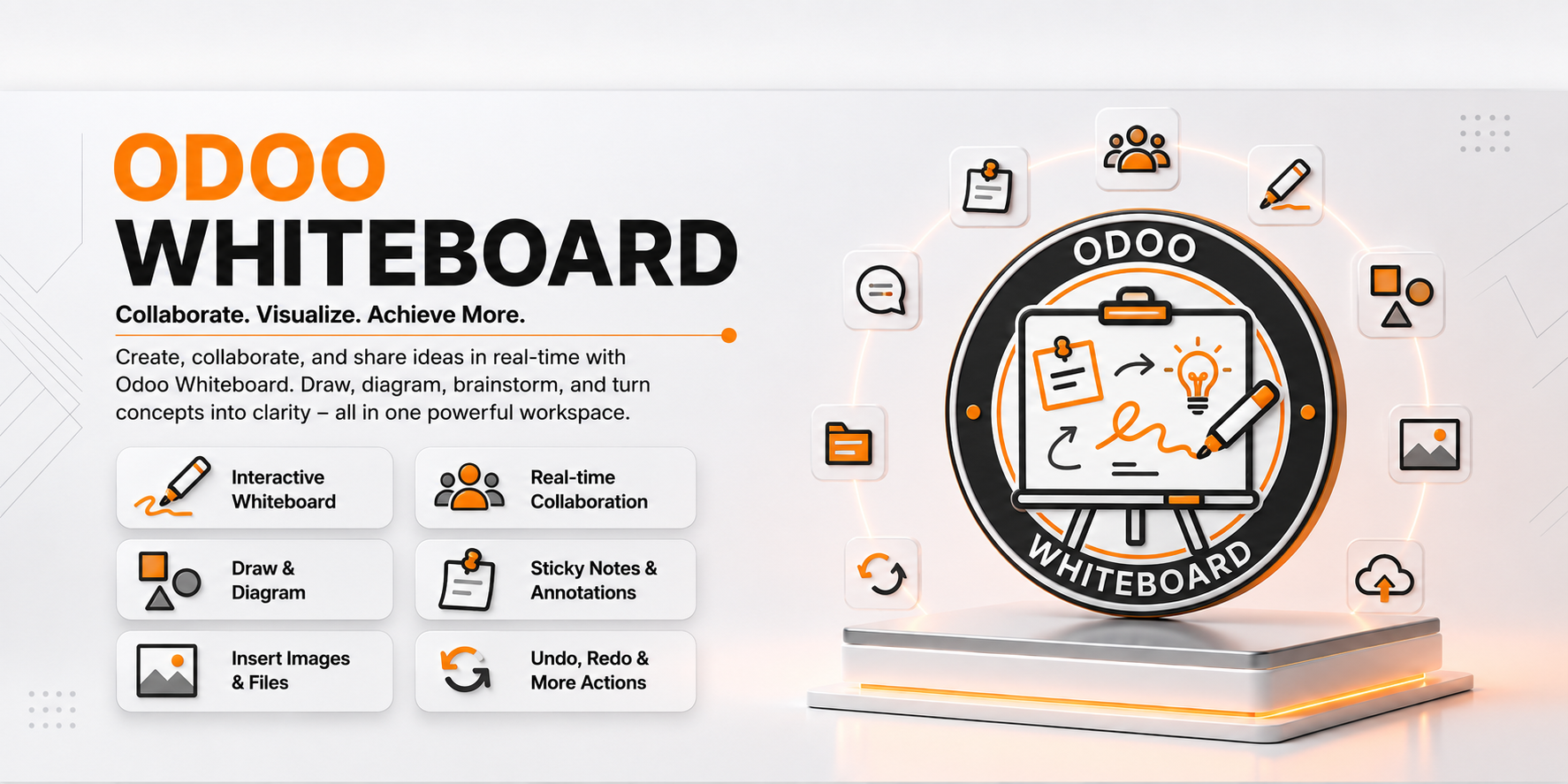
OWL Whiteboard brings an interactive digital whiteboard directly into Odoo. It allows users to sketch ideas, create flowcharts, design mind maps, draw diagrams, and collaborate visually without leaving the Odoo environment.
Built using the OWL framework and Fabric.js, the module provides a smooth and responsive drawing experience across desktop, tablet, and mobile devices. Whether you're brainstorming ideas, planning workflows, documenting business processes, or presenting concepts, the whiteboard offers an intuitive workspace with automatic saving and secure board management.
🚀 Key Features
🎨 Interactive Drawing Tools
Create drawings using a variety of built-in tools.
📍 Menu Navigation
Whiteboard → Open Whiteboard
- Freehand drawing
- Text annotations
- Rectangles
- Circles
- Diamonds
- Lines
- Arrows
- Eraser tool
🧠 Mind Maps & Flowcharts
Quickly build visual diagrams for planning and collaboration.
You can create:
- Mind Maps
- Workflow Diagrams
- Process Flowcharts
- Business Process Designs
- Brainstorming Boards
Ready-to-use templates help you get started faster.
📋 Multiple Whiteboards
Manage multiple boards from one place.
📍 Menu Navigation
Whiteboard → My Boards
- Create unlimited boards (within configured limits)
- Rename boards
- Open existing boards
- Organize personal workspaces
- Paginated board list for easy navigation
💾 Automatic & Manual Saving
Your work is protected with automatic saving while still allowing manual saves whenever needed.
Benefits include:
- Auto-save support
- Manual Save button
- Unsaved change detection
- Protection against accidental page navigation
- Conflict detection when multiple sessions edit the same board
↩️ Undo & Redo
Easily correct mistakes while drawing.
Supported actions include:
- Undo changes
- Redo changes
- Remove selected objects
- Keyboard shortcuts for faster editing
🖼️ Export as PNG
Export completed whiteboards as PNG images for documentation, presentations, or sharing.
📱 Responsive Design
The whiteboard automatically adapts to different screen sizes.
Supported devices:
- Desktop
- Tablet
- Mobile
The interface also supports Right-to-Left (RTL) languages.
🔒 Secure Board Management
Each user can access only their own whiteboards.
Additional protection includes:
- Secure board ownership
- Optimistic concurrency control
- Automatic validation before saving
- Protection against invalid board data
⚙️ Installation
- Copy the odoo_v16_whiteboard module into your Odoo addons directory.
- Install the required Pillow Python package.
pip install Pillow
- Verify that Fabric.js is available inside the module.
- Restart the Odoo server.
- Update the Apps List.
📍 Menu Navigation
Apps → Update Apps List
- Search for OWL Whiteboard.
- Click Install.
📖 Usage
🖍️ Create a Whiteboard
📍 Menu Navigation
Whiteboard → Open Whiteboard
Steps
- Open the Whiteboard application.
- Create a new board.
- Start drawing using the available tools.
- Save the board manually or allow auto-save to save changes.
🧠 Create a Mind Map
- Open a whiteboard.
- Select the Mind Map tool.
- Add nodes and connect them.
- Organize ideas visually.
📊 Design a Flowchart
- Open a whiteboard.
- Select the required flowchart shapes.
- Connect objects using arrows.
- Save your workflow diagram.
🖼️ Export Your Work
- Open an existing board.
- Click Export PNG.
- Save the generated image.
⌨️ Keyboard Shortcuts
| Action | Shortcut |
|---|---|
| Save | Ctrl/Cmd + S |
| Undo | Ctrl/Cmd + Z |
| Redo | Ctrl/Cmd + Shift + Z or Ctrl/Cmd + Y |
| Delete Object | Delete / Backspace |
| Cancel Current Tool | Esc |
🏗️ Architecture
owl.whiteboard
│
├── Whiteboard Workspace
├── Drawing Tools
├── Mind Map Templates
├── Flowchart Templates
├── Multi-board Management
├── Auto Save Engine
├── PNG Export
└── Security & Access Control
📌 Changelog
16.0.1.0.0 — Initial Release
- Interactive OWL Whiteboard.
- Freehand drawing tools.
- Shapes, text, arrows, and connectors.
- Mind map and flowchart templates.
- Multiple board management.
- Automatic and manual saving.
- Undo and redo support.
- PNG export.
- Responsive layout with RTL support.
- Secure board management and concurrency protection.
💬 Support
For questions, feature requests, or technical support, please visit:
🌐 https://www.erp-addons.com
Customer Reviews
No reviews yet. Be the first to review this product!
Need Help?
Have a question or need assistance with this product? Submit a support ticket and our team will get back to you.
Quick Help
Before Submitting
- Check the Documentation tab for common questions
- Ensure you have the latest version installed
- Review technical requirements
Response Time
We typically respond within 24-48 hours during business days.
Specifications
| Odoo Versions | 19.0 |
| Dependencies | web |