📚 Document Knowledge
| Author | ERP Addons |
| Website | https://www.erp-addons.com |
| Version | 19.0.1.0.0 |
| License | OPL-1 |
| Odoo | 19.0 |
📖 Overview
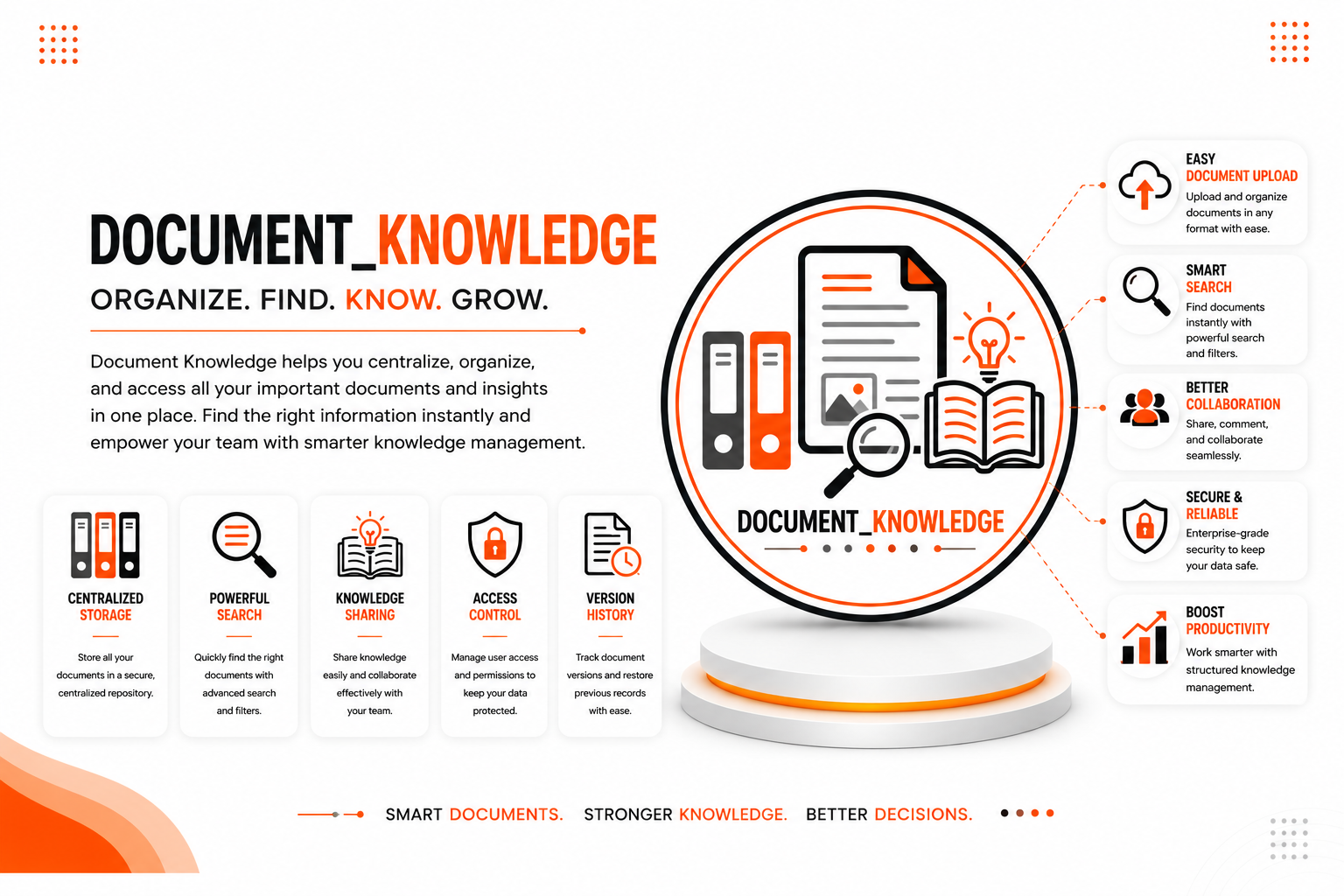
Keeping business knowledge organized is essential for improving productivity and collaboration. Document Knowledge provides a centralized knowledge base where your team can create, organize, manage, and share business documents from within Odoo.
Whether you're maintaining company policies, technical documentation, user manuals, or internal procedures, this module makes it easy to store information in one place and quickly find the content you need.
The module offers an intuitive interface, advanced search capabilities, and secure access control, making knowledge sharing simple across your organization.
🚀 Key Features
📚 Centralized Knowledge Base
Store all your business knowledge in one organized location.
📍 Menu Navigation
Knowledge → Knowledge Base
- Centralize company documentation.
- Organize information in a structured way.
- Access business knowledge anytime.
- Reduce scattered documentation.
📄 Document Management
Create and maintain business documents with ease.
📍 Menu Navigation
Knowledge → Documents
- Create knowledge documents.
- Edit existing documents.
- Organize content efficiently.
- Maintain up-to-date documentation.
📝 Knowledge Articles
Build a searchable collection of articles for employees and teams.
Articles can be used for:
- Company policies
- Technical guides
- User manuals
- Standard operating procedures
- Internal documentation
🔍 Advanced Search
Find the required information quickly using the built-in search functionality.
Benefits include:
- Faster document discovery.
- Improved productivity.
- Easy navigation through knowledge content.
🔒 Security & Permissions
Control who can view and manage your knowledge base.
Access can be configured to ensure that sensitive information is only available to authorized users.
👥 Team Collaboration
Share knowledge across departments and help teams collaborate more effectively.
A centralized knowledge base reduces duplicate work and makes important information available to everyone who needs it.
⚙️ Installation
- Copy the document_knowledge module into your Odoo addons directory.
- Update the Apps List.
📍 Menu Navigation
Apps → Update Apps List
- Search for Document Knowledge.
- Click Install.
📖 Usage
📚 Create Knowledge Documents
📍 Menu Navigation
Knowledge → Documents
Steps
- Click Create.
- Enter the document title.
- Add the required content.
- Save the document.
🔍 Search Knowledge
📍 Menu Navigation
Knowledge → Search
Steps
- Open the Knowledge application.
- Enter keywords in the search box.
- Select the required document.
- View the document instantly.
👥 Share Knowledge
Create documentation once and allow authorized users to access it whenever required.
This helps teams work with consistent and up-to-date information.
🏗️ Architecture
document.knowledge
│
├── Knowledge Dashboard
├── Document Management
├── Knowledge Articles
├── Search Engine
├── Security & Permissions
└── Team Collaboration
📌 Changelog
19.0.1.0.0 — Initial Release
- Centralized knowledge management.
- Business document management.
- Knowledge article support.
- Advanced document search.
- Role-based security.
- Team collaboration features.
- Fully compatible with Odoo 19.
💬 Support
For questions, feature requests, or technical support, please visit:
🌐 https://www.erp-addons.com
Customer Reviews
No reviews yet. Be the first to review this product!
Need Help?
Have a question or need assistance with this product? Submit a support ticket and our team will get back to you.
Quick Help
Before Submitting
- Check the Documentation tab for common questions
- Ensure you have the latest version installed
- Review technical requirements
Response Time
We typically respond within 24-48 hours during business days.
Specifications
| Odoo Versions | 19.0 |