📚 Document Page
| Author | ERP Addons |
| Website | https://www.erp-addons.com |
| Version | 19.0.1.0.0 |
| License | OPL-1 |
| Odoo | 19.0 |
📖 Overview
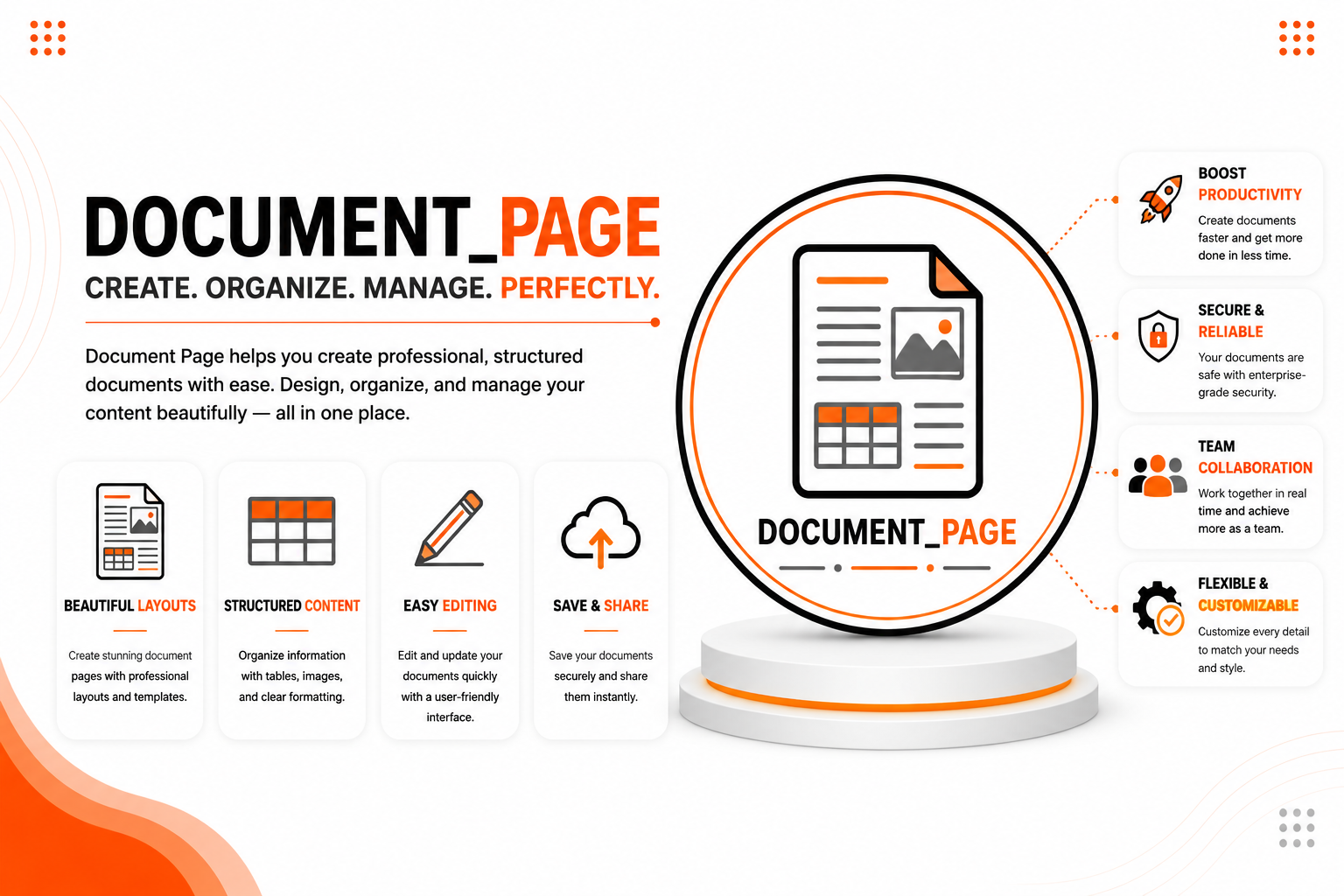
Document Page helps you build and manage internal documentation directly inside Odoo.
Instead of storing documents across multiple platforms, you can organize all your business knowledge in one place. Create document categories, design reusable templates, write rich-text pages, track document revisions, compare changes between versions, and generate PDF reports whenever needed.
Whether you're maintaining company policies, employee handbooks, technical guides, or standard operating procedures, this module provides a simple and organized way to manage your documentation.
🚀 Key Features
📂 Organize Documents with Categories
Keep your documentation well organized by grouping related pages into categories.
📍 Menu Navigation
Knowledge → Categories
- Create unlimited document categories.
- Organize documents by department or topic.
- Use category templates for faster page creation.
- Manage all documentation from one place.
📄 Create Rich Documentation Pages
Write professional documentation using the built-in HTML editor.
📍 Menu Navigation
Knowledge → Pages
- Create documentation pages.
- Use reusable templates.
- Edit pages whenever required.
- Format content with the rich-text editor.
📝 Automatic Revision History
Every time a document is updated, a new revision is automatically recorded.
This allows you to:
- Review previous versions.
- Track document changes.
- Restore information when required.
- Maintain a complete document history.
🔍 Compare Document Versions
Quickly compare two versions of the same document to identify changes.
The comparison feature makes it easy to review updates before publishing new revisions.
Tip: Installing the optional html_diff Python library provides an improved document comparison view.
🖨️ Generate PDF Reports
Print documentation pages in a clean PDF format for meetings, training sessions, or offline reference.
📋 Create Navigation Menus
Generate navigation menus directly from your documentation pages, making it easier for users to browse your knowledge base.
⚡ Simple Knowledge Management
The module integrates naturally with Odoo and provides an easy-to-use interface for managing company documentation without changing your existing workflow.
⚙️ Installation
- Copy the document_page module into your Odoo addons directory.
- Update the Apps List.
📍 Menu Navigation
Apps → Update Apps List
- Search for Document Page.
- Click Install.
Optional: Install the html_diff Python library to enable enhanced document revision comparison.
📖 Usage
📂 Create a Category
📍 Menu Navigation
Knowledge → Categories
Steps
- Click Create.
- Enter the category name.
- Configure a page template (optional).
- Save the category.
📄 Create a Document Page
📍 Menu Navigation
Knowledge → Pages
Steps
- Click Create.
- Enter the page title.
- Select a category.
- The category template is loaded automatically (if configured).
- Add your documentation.
- Save the page.
🕒 Review Document History
- Open any document page.
- Open the History section.
- Review previous revisions.
- Compare versions when required.
🖨️ Print a Document
- Open a document page.
- Click Print.
- Generate the PDF report.
🏗️ Architecture
document.page
│
├── Document Categories
├── Document Pages
├── Category Templates
├── Revision History
├── Version Comparison
├── Navigation Menu Wizard
└── PDF Reports
📌 Changelog
19.0.1.0.0 — Initial Release
- Added document categories.
- Rich-text documentation pages.
- Category templates.
- Automatic revision history.
- Document version comparison.
- Navigation menu creation.
- PDF document reports.
- Fully compatible with Odoo 19.
💬 Support
For questions, feature requests, or technical support, please visit:
🌐 https://www.erp-addons.com
Customer Reviews
No reviews yet. Be the first to review this product!
Need Help?
Have a question or need assistance with this product? Submit a support ticket and our team will get back to you.
Quick Help
Before Submitting
- Check the Documentation tab for common questions
- Ensure you have the latest version installed
- Review technical requirements
Response Time
We typically respond within 24-48 hours during business days.
Specifications
| Odoo Versions | 19.0 |