📊 CRM Project Create
| Author | ERP Addons |
| Website | https://www.erp-addons.com |
| Version | 19.0.1.0.0 |
| License | OPL-1 |
| Odoo | 19.0 |
📖 Overview
Managing customer opportunities often requires planning the project before a quotation is prepared or a sale is confirmed. By default, Odoo creates projects after the sales process, which may not suit businesses that need to estimate effort, allocate resources, or plan activities in advance.
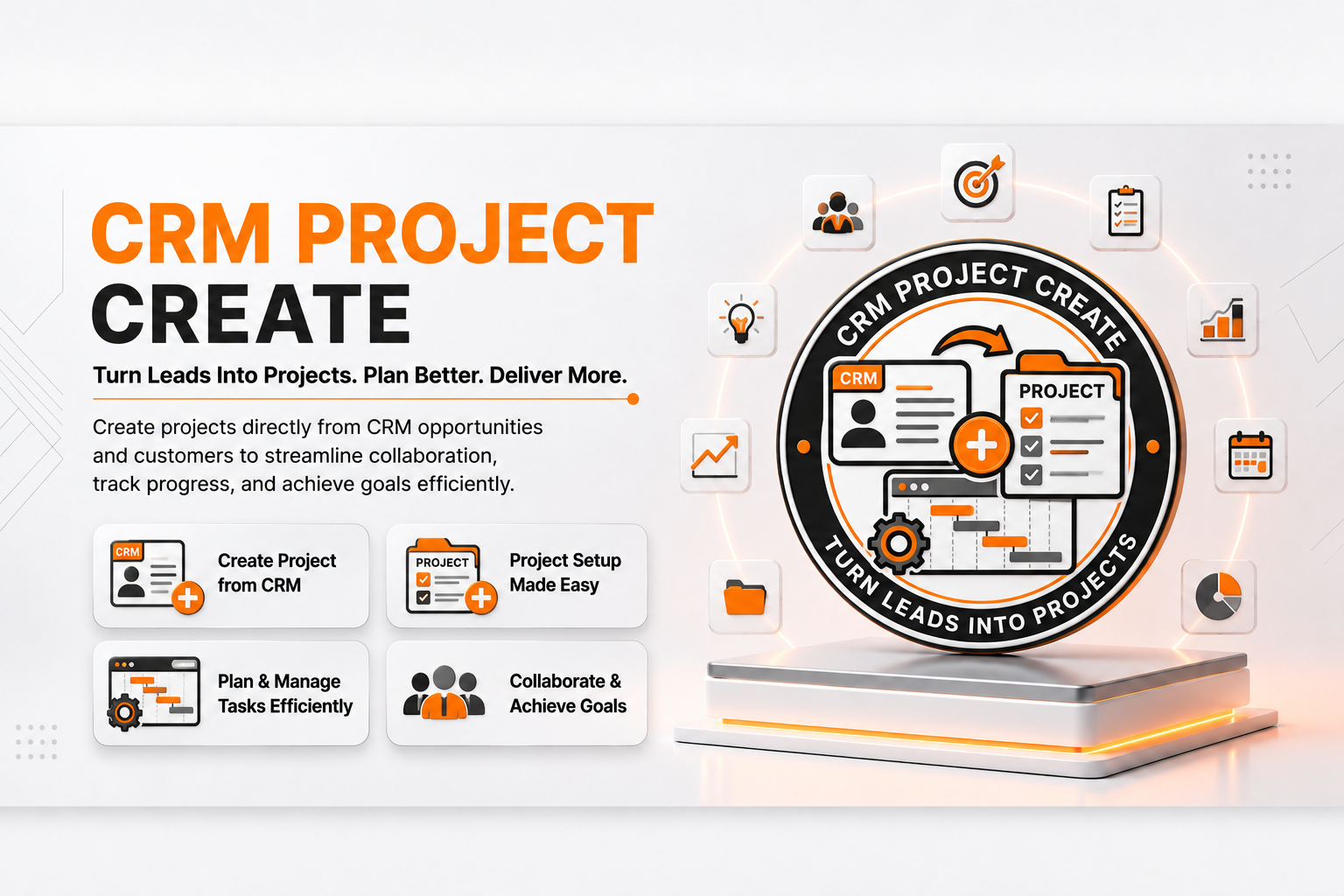
CRM Project Create bridges the gap between CRM and Project Management by allowing users to create a project directly from a CRM Lead or Opportunity. This helps teams begin planning earlier, improve collaboration, and better evaluate project feasibility before the sales process is completed.
The module integrates seamlessly with both the CRM and Project applications while preserving the standard Odoo workflow.
🚀 Key Features
📁 Create Projects from Opportunities
Create a new project directly from a CRM Opportunity or Lead.
📍 Menu Navigation
CRM → Sales → My Pipeline
- Create projects without creating a Sales Order.
- Generate projects directly from Opportunities.
- Save time during project planning.
- Reduce manual data entry.
📝 Project Creation Wizard
A simple wizard guides users through the project creation process.
The wizard allows you to:
- Enter the Project Name.
- Add a Project Description.
- Create the project with a single click.
🔗 Automatic CRM Integration
After the project is created, it is automatically linked to the corresponding CRM Opportunity.
This makes it easy to navigate between CRM and Project records while keeping all information connected.
📊 Better Project Planning
Start planning projects before sending quotations or confirming sales.
This is especially useful when you need to:
- Estimate project effort.
- Allocate resources.
- Check team availability.
- Evaluate project feasibility.
⚡ Seamless Odoo Integration
The module extends the standard CRM workflow without changing existing business processes.
Users continue working with familiar CRM and Project screens while gaining additional project planning capabilities.
⚙️ Installation
- Copy the crm_project_create module into your Odoo addons directory.
- Update the Apps List.
📍 Menu Navigation
Apps → Update Apps List
- Search for CRM Project Create.
- Click Install.
📖 Usage
🛠️ Create a Project from an Opportunity
📍 Menu Navigation
CRM → Sales → My Pipeline
Steps
- Open an existing Opportunity or create a new one.
- Click the Create Project button.
- Enter the Project Name.
- Optionally enter a Project Description.
- Click Create Project.
- The project is automatically linked to the Opportunity.
👀 View the Linked Project
After creating the project:
- Open the Opportunity.
- Navigate to the Extra Information tab.
- View the linked project under the Tracking section.
- Open the project directly from the Opportunity.
🏗️ Architecture
crm.project.create
│
├── CRM Lead Extension
├── Project Creation Wizard
├── CRM–Project Link
└── Project Integration
📌 Changelog
19.0.1.0.0 — Initial Release
- Create projects directly from CRM Opportunities.
- Project creation wizard.
- Automatic CRM and Project linking.
- Improved project planning workflow.
- Fully compatible with Odoo 19.
💬 Support
For questions, feature requests, or technical support, please visit:
🌐 https://www.erp-addons.com
Customer Reviews
No reviews yet. Be the first to review this product!
Need Help?
Have a question or need assistance with this product? Submit a support ticket and our team will get back to you.
Quick Help
Before Submitting
- Check the Documentation tab for common questions
- Ensure you have the latest version installed
- Review technical requirements
Response Time
We typically respond within 24-48 hours during business days.
Specifications
| Odoo Versions | 19.0 |