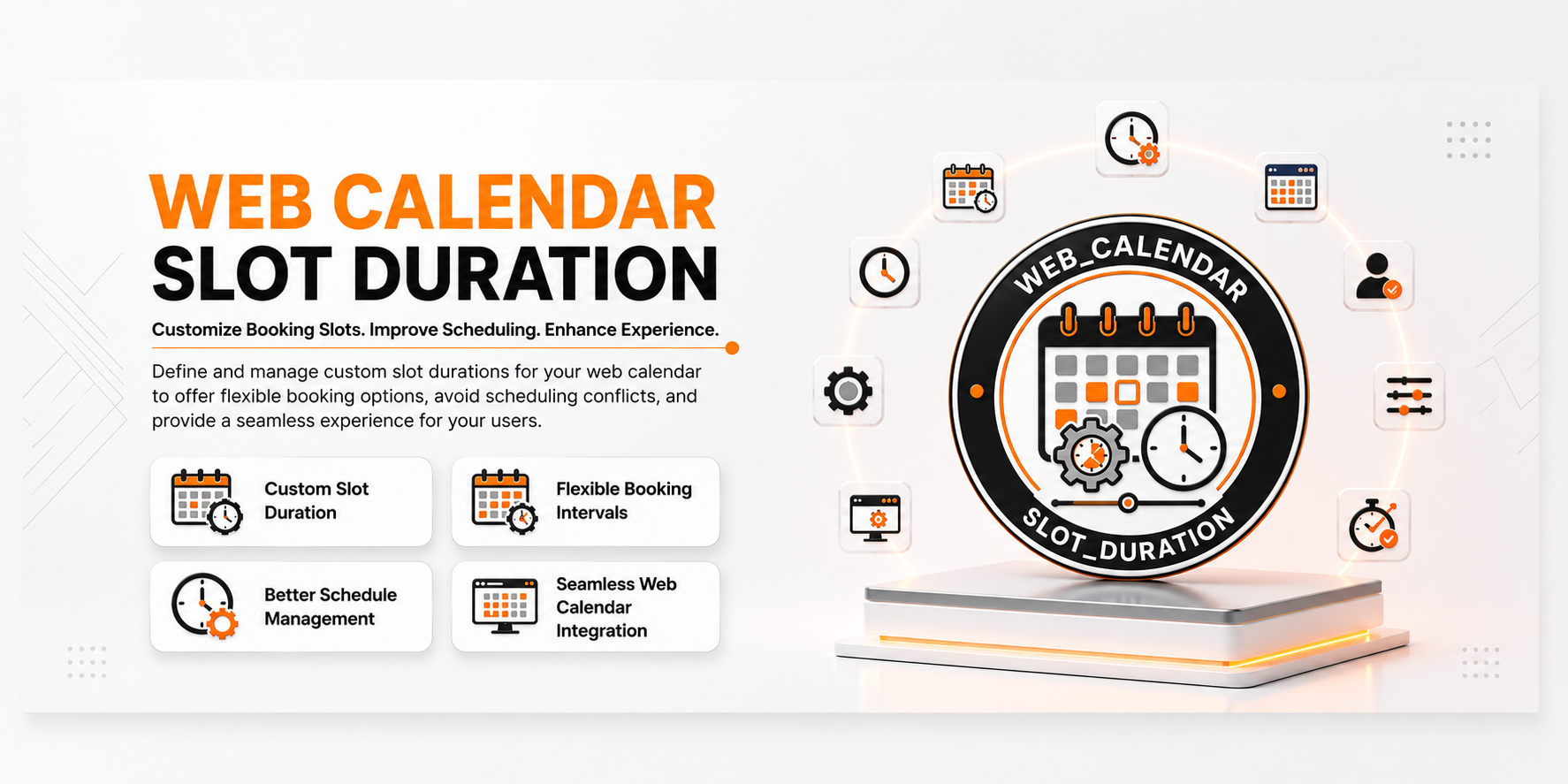
📅 Calendar Slot Duration
| Author | ERP Addons |
| Website | https://www.erp-addons.com |
| Version | 19.0.1.0.0 |
| License | OPL-1 |
| Odoo | 19.0 |
📖 Overview
Calendar Slot Duration improves Odoo's backend calendar by allowing
developers to set a custom time interval for calendar slots.
For example, instead of using 30-minute slots, a calendar can be configured
to use 10-minute, 15-minute, or another suitable duration. This makes event
scheduling more flexible and allows calendars to match specific business
requirements.
The module works as a supporting module for other Odoo applications that use
the Calendar view.
🚀 Key Features
⏱️ Custom Calendar Slot Duration
Set the time interval used by a calendar when selecting and moving events.
Examples
- 10-minute slots
- 15-minute slots
- 30-minute slots
- 60-minute slots
This gives users more control over how precisely events can be scheduled.
📅 Better Event Scheduling
The selected slot duration also improves how event durations and calendar
snapping work.
Benefits
- More precise event scheduling.
- Easier appointment planning.
- Better calendar usability.
- Flexible scheduling for different business needs.
⚙️ Calendar View Configuration
The slot duration can be configured through the calendar window action using
the calendar context.
Example:
calendar_slot_duration = "00:30:00"
This means the calendar uses 30-minute slots.
🔌 Designed for Other Modules
This module is mainly a supporting module. It does not provide a separate
end-user application by itself.
Other Odoo modules can use it to add customizable calendar slot durations to
their calendar views.
🧪 Demo Configuration
The module includes demo data that changes the Scheduled Actions calendar
to use 10-minute slots.
This makes it easy to see how the feature works after installation with demo
data enabled.
⚙️ Installation
- Copy the web_calendar_slot_duration module into your Odoo addons
directory. - Update the Apps List.
📍 Menu Navigation
Apps → Update Apps List
- Search for Calendar Slot Duration.
- Click Install.
📖 Usage
This module is designed to be used by other modules that contain Odoo
Calendar views.
⏱️ Configure a Calendar Slot Duration
Add the following context to the calendar window action:
{
    "calendar_slot_duration": "00:30:00"
}
The value defines the duration of each calendar slot.
Examples
{
    "calendar_slot_duration": "00:10:00"
}
Creates 10-minute slots.
{
    "calendar_slot_duration": "00:15:00"
}
Creates 15-minute slots.
{
    "calendar_slot_duration": "01:00:00"
}
Creates 1-hour slots.
🧩 How It Works
Calendar Slot Duration
│
├── Calendar View Extension
├── Custom Slot Duration
├── Event Duration Handling
└── Calendar Snapping
The module extends the standard Odoo Calendar interface and uses the
calendar_slot_duration context value to control the calendar slot interval.
📌 Changelog
19.0.1.0.0 — Initial Release
- Added support for customizable calendar slot durations.
- Improved event duration and calendar snapping behavior.
- Added support for configuring slot duration through calendar actions.
- Included demo configuration for Scheduled Actions.
- Designed for use by other Odoo calendar-based modules.
- Fully compatible with Odoo 19.
💬 Support
For questions, feature requests, or technical support, please visit:
🌐 https://www.erp-addons.com
Customer Reviews
No reviews yet. Be the first to review this product!
Need Help?
Have a question or need assistance with this product? Submit a support ticket and our team will get back to you.
Quick Help
Before Submitting
- Check the Documentation tab for common questions
- Ensure you have the latest version installed
- Review technical requirements
Response Time
We typically respond within 24-48 hours during business days.
Specifications
| Odoo Versions | 19.0 |