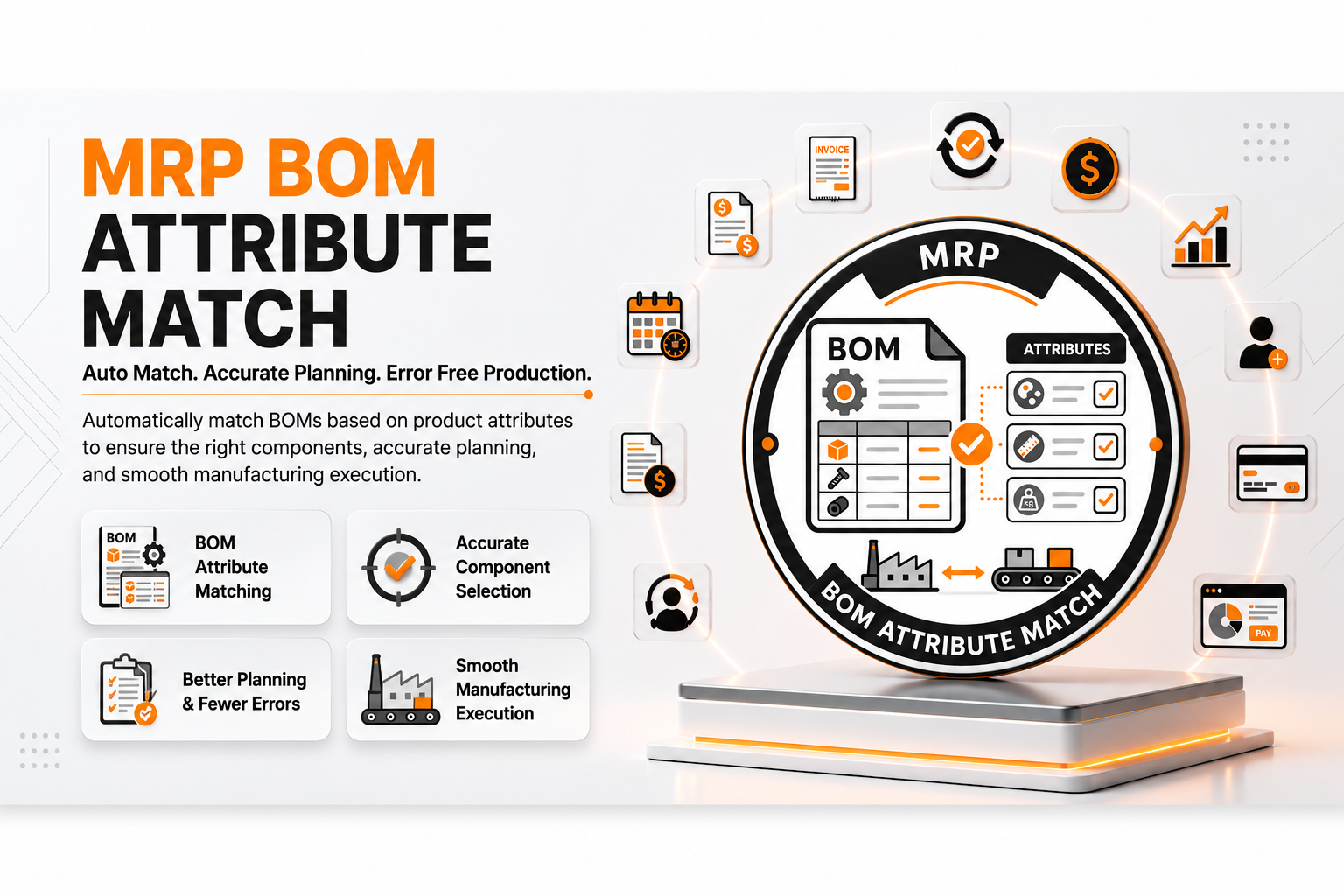
🏭 MRP BoM Attribute Match
| Author | ERP Addons |
| Website | https://www.erp-addons.com |
| Version | 19.0.1.0.0 |
| License | OPL-1 |
| Odoo | 19.0 |
📖 Overview
Managing configurable manufactured products with hundreds of attribute values can make Bills of Materials (BoMs) difficult to maintain. In a standard setup, every component variant usually requires its own BoM line, resulting in large and complex BoMs.
MRP BoM Attribute Match simplifies this process by allowing you to use a Product Template as a BoM component. During Manufacturing Order creation, the module automatically selects the correct component variant based on the attribute values of the product being manufactured.
This reduces the number of BoM lines, simplifies maintenance, and makes manufacturing configurable products much easier.
🚀 Key Features
🏭 Dynamic Component Matching
Automatically select the correct component variant based on the product variant being manufactured.
📍 Menu Navigation
Manufacturing → Products → Bills of Materials
Benefits
- Create a single BoM line for multiple product variants.
- Automatically match component variants.
- Reduce duplicate BoM lines.
- Simplify configurable manufacturing.
🎨 Attribute-Based Variant Selection
The module compares the attribute values of the finished product with the available component variants and automatically chooses the matching component.
For example:
- Finished Product → Desk (Red)
- Component Template → Desk Board
The Manufacturing Order automatically uses:
- Desk Board (Red)
No manual component selection is required.
📦 Simplified BoM Maintenance
Instead of maintaining hundreds of BoM lines for different colors, sizes, or other attributes, you only need one configurable BoM line.
This makes it much easier to:
- Add new attribute values.
- Update component templates.
- Maintain product configurations.
✅ Built-in Validation
The module validates your BoM configuration to prevent incorrect setups.
It checks that:
- Products share compatible attributes.
- Matching component variants exist.
- Invalid template combinations are prevented.
These validations help reduce manufacturing errors.
⚡ Seamless Manufacturing Integration
The module works directly with the standard Manufacturing workflow.
During Manufacturing Order creation, the correct component variants are selected automatically without changing the normal production process.
⚙️ Installation
- Copy the mrp_bom_attribute_match module into your Odoo addons directory.
- Update the Apps List.
📍 Menu Navigation
Apps → Update Apps List
- Search for MRP BoM Attribute Match.
- Click Install.
📖 Usage
🛠️ Configure Product Attributes
📍 Menu Navigation
Manufacturing → Products → Products
Steps
- Create the product to manufacture.
- Add variant-generating attributes (for example, Color).
- Create component products using the same attribute.
📋 Create a Dynamic BoM
📍 Menu Navigation
Manufacturing → Products → Bills of Materials
Steps
- Create a new Bill of Materials.
- Select the manufactured product.
- Add a BoM line.
- Select the Component (Product Template) instead of a specific product variant.
- Choose the matching attribute.
- Save the BoM.
🏭 Create a Manufacturing Order
📍 Menu Navigation
Manufacturing → Operations → Manufacturing Orders
Steps
- Create a Manufacturing Order.
- Select a product variant (for example, Desk - Red).
- Confirm the Manufacturing Order.
- The component list is automatically updated with the matching variant (for example, Desk Board - Red).
🏗️ Architecture
mrp.bom.attribute.match
│
├── BoM Extension
├── Product Template Matching
├── Attribute Matching Engine
├── Manufacturing Order Integration
└── Component Variant Selection
📌 Changelog
19.0.1.1.0 — Initial Release
- Added dynamic BoM component matching.
- Support for Product Template components.
- Automatic component variant selection.
- Attribute-based Manufacturing Order generation.
- Built-in validation for matching attributes.
- Reduced BoM maintenance effort.
- Fully compatible with Odoo 19.
💬 Support
For questions, feature requests, or technical support, please visit:
🌐 https://www.erp-addons.com
Customer Reviews
No reviews yet. Be the first to review this product!
Need Help?
Have a question or need assistance with this product? Submit a support ticket and our team will get back to you.
Quick Help
Before Submitting
- Check the Documentation tab for common questions
- Ensure you have the latest version installed
- Review technical requirements
Response Time
We typically respond within 24-48 hours during business days.
Specifications
| Odoo Versions | 19.0 |