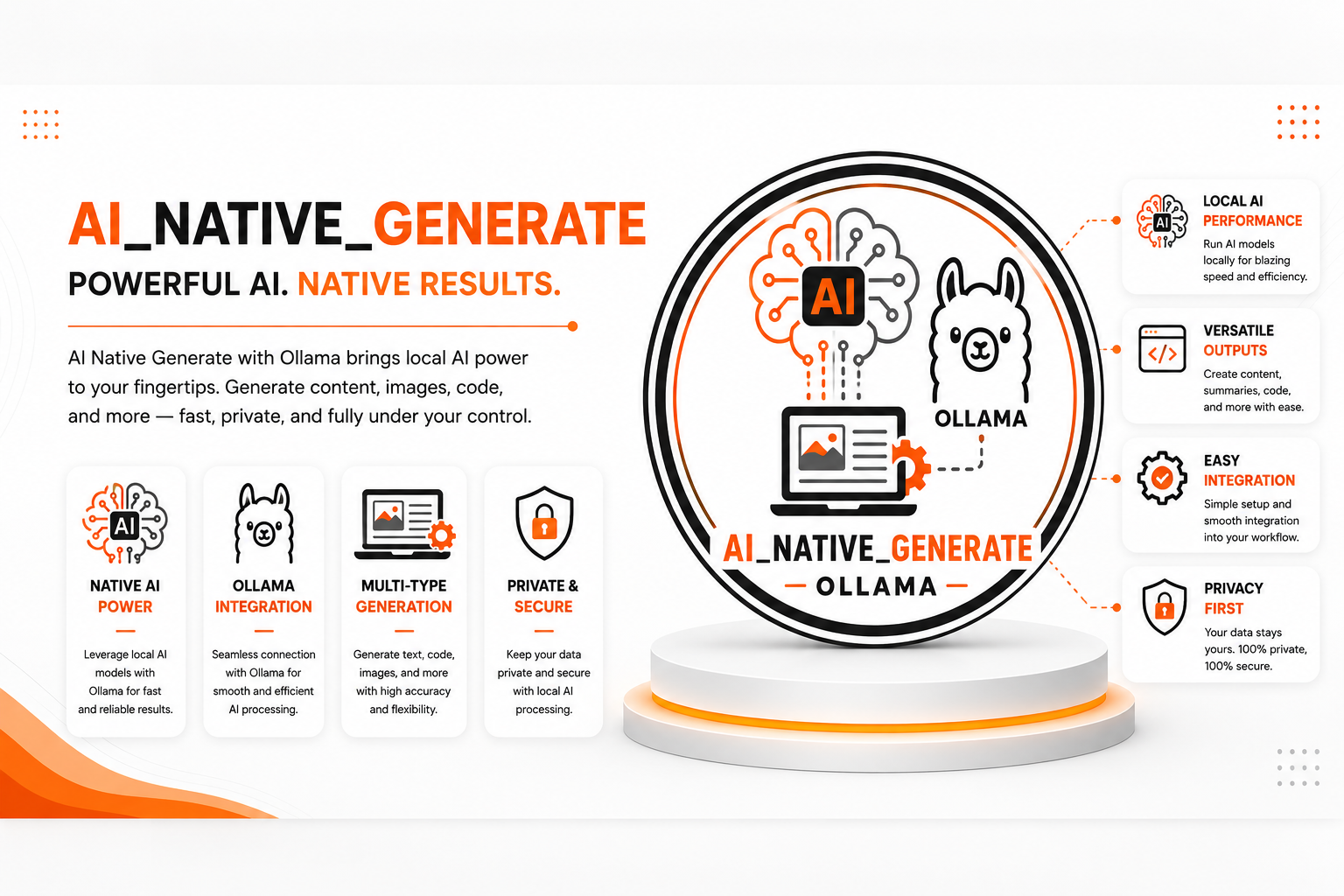
🦙 AI Native Generate Ollama
| Author | ERP Addons |
| Website | https://www.erp-addons.com |
| Version | 19.0.1.0.0 |
| License | OPL-1 |
| Odoo | 19.0 |
📖 Overview
AI Native Generate Ollama allows Odoo to generate AI-powered content using Ollama, an open-source platform for running Large Language Models (LLMs) locally.
Instead of relying on cloud-based AI providers, this module connects Odoo directly to your Ollama server, enabling secure, fast, and private AI-powered text generation. It is ideal for businesses that want to keep their data within their own infrastructure while benefiting from AI assistance.
The module integrates seamlessly with the AI framework and provides native support for Ollama models.
🚀 Key Features
🦙 Native Ollama Integration
Connect Odoo directly with your Ollama server.
📍 Menu Navigation
AI → Configuration → AI Connections
- Native support for Ollama.
- Connect to local or remote Ollama servers.
- Reuse configured AI connections.
- Simple and secure integration.
✍️ AI Text Generation
Generate AI-powered content using your preferred Ollama model.
Examples include:
- Emails
- Product descriptions
- Business documents
- Customer replies
- Internal notes
- General text generation
🤖 Support for Multiple AI Models
Use any model available in your Ollama installation.
Examples:
- Llama
- Mistral
- Gemma
- DeepSeek
- Phi
- Other compatible Ollama models
Switch models without changing your business workflow.
🔒 Private & Secure AI Processing
Unlike cloud AI services, Ollama processes requests within your own infrastructure.
Benefits include:
- Better data privacy
- No external AI dependency
- Faster local responses
- Full control over AI models
⚡ Seamless Odoo Integration
The module works with the existing AI framework and automatically uses the configured Ollama connection whenever AI content generation is requested.
No changes are required to the standard workflow.
⚙️ Installation
- Install AI Tool.
- Install AI Connection.
- Install AI Native Generate Ollama.
- Update the Apps List.
📍 Menu Navigation
Apps → Update Apps List
- Search for AI Native Generate Ollama.
- Click Install.
📖 Usage
🛠️ Configure an Ollama Connection
📍 Menu Navigation
AI → Configuration → AI Connections
Steps
- Create a new AI Connection.
- Select Ollama as the AI provider.
- Enter the Ollama server URL.
- Choose the AI model.
- Save the connection.
✍️ Generate AI Content
- Open an AI-enabled feature.
- Enter your prompt or request.
- Submit the request.
- The module sends it to the configured Ollama server.
- Review the generated response directly in Odoo.
🔄 Change AI Models
You can switch to another Ollama model at any time by updating the AI Connection configuration.
No additional development is required.
🏗️ Architecture
ea_ai_native_generate_ollama
│
├── Ollama Integration
├── AI Connection
├── Prompt Processing
├── Response Handling
└── AI Text Generation
📌 Changelog
19.0.1.0.0 — Initial Release
- Added native Ollama integration.
- AI-powered text generation.
- Support for multiple Ollama models.
- Secure local AI processing.
- AI Connection integration.
- Fully compatible with Odoo 19.
💬 Support
For questions, feature requests, or technical support, please visit:
🌐 https://www.erp-addons.com
Customer Reviews
No reviews yet. Be the first to review this product!
Need Help?
Have a question or need assistance with this product? Submit a support ticket and our team will get back to you.
Quick Help
Before Submitting
- Check the Documentation tab for common questions
- Ensure you have the latest version installed
- Review technical requirements
Response Time
We typically respond within 24-48 hours during business days.
Specifications
| Odoo Versions | 19.0 |
| Dependencies | html_editor |