🔗 AI Connection
| Author | ERP Addons |
| Website | https://www.erp-addons.com |
| Version | 19.0.1.0.0 |
| License | OPL-1 |
| Odoo | 19.0 |
📖 Overview
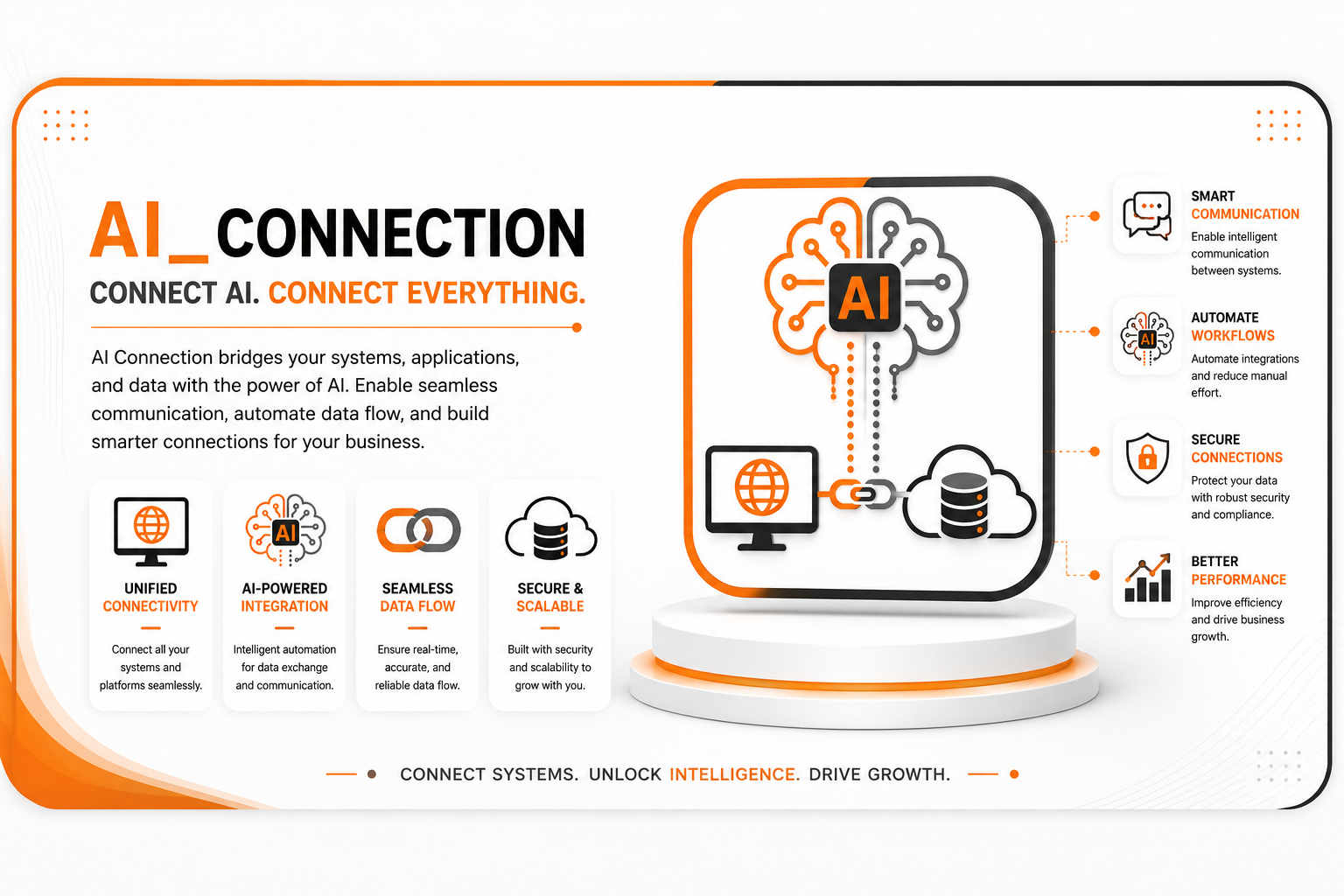
AI Connection provides a central place to configure and manage connections between Odoo and external Artificial Intelligence (AI) services.
Instead of configuring connection details for every AI feature separately, this module lets you create reusable AI connections. Each connection stores the required information, such as the AI provider, endpoint, model, and communication settings, making it easy to reuse the same configuration across multiple AI-powered modules.
Whether you're integrating with cloud-based AI providers or self-hosted AI models, this module helps keep your AI configuration organized, secure, and easy to maintain.
🚀 Key Features
🔗 Manage AI Connections
Create and manage multiple AI connections from a single location.
📍 Menu Navigation
AI → Configuration → AI Connections
- Create unlimited AI connections.
- Enable or disable connections.
- Maintain all AI configurations in one place.
- Reuse connections across multiple AI modules.
🤖 Configure AI Providers
Each connection can be configured independently based on your AI provider.
You can configure:
- Connection Name
- AI Provider
- API Endpoint
- AI Model
- Temperature
- Authentication Settings
This flexibility allows you to work with different AI services without changing your business logic.
💬 Send AI Requests
Configured connections can be used to send prompts and receive responses from external AI services.
The module supports:
- User prompts
- System prompts
- Multi-message conversations
- File attachments
- AI-generated responses
🛠️ AI Tool Support
AI Connections work together with AI tools, allowing external AI services to execute supported business actions whenever required.
This makes it possible to build intelligent workflows that combine AI-generated responses with Odoo business operations.
⚡ Centralized Configuration
Instead of repeating connection settings in multiple modules, configure them once and reuse them wherever AI functionality is needed.
This makes maintenance easier and keeps AI integrations consistent across your Odoo environment.
⚙️ Installation
- Install AI Tool.
- Install AI Connection.
- Update the Apps List.
📍 Menu Navigation
Apps → Update Apps List
- Search for AI Connection.
- Click Install.
📖 Usage
🛠️ Create an AI Connection
📍 Menu Navigation
AI → Configuration → AI Connections
Steps
- Click Create.
- Enter a connection name.
- Select the AI provider.
- Configure the API endpoint.
- Specify the AI model.
- Complete the authentication details.
- Save the connection.
🤖 Use the AI Connection
Once the connection is configured, it becomes available to AI-enabled modules.
Whenever an AI request is triggered:
- The configured connection is used automatically.
- The request is sent to the selected AI provider.
- The AI response is returned to Odoo for further processing.
🏗️ Architecture
ai.connection
│
├── AI Connection Configuration
├── AI Provider Settings
├── Request Processing
├── Response Handling
└── AI Tool Integration
📌 Changelog
19.0.1.0.0 — Initial Release
- Added AI connection management.
- Support for multiple AI providers.
- Configurable API endpoints and AI models.
- Prompt and conversation handling.
- AI tool integration.
- Reusable connection configuration.
- Fully compatible with Odoo 19.
💬 Support
For questions, feature requests, or technical support, please visit:
🌐 https://www.erp-addons.com
Customer Reviews
No reviews yet. Be the first to review this product!
Need Help?
Have a question or need assistance with this product? Submit a support ticket and our team will get back to you.
Quick Help
Before Submitting
- Check the Documentation tab for common questions
- Ensure you have the latest version installed
- Review technical requirements
Response Time
We typically respond within 24-48 hours during business days.
Specifications
| Odoo Versions | 19.0 |